Recorded in Qovah, with the steps underneath. Most take two minutes.
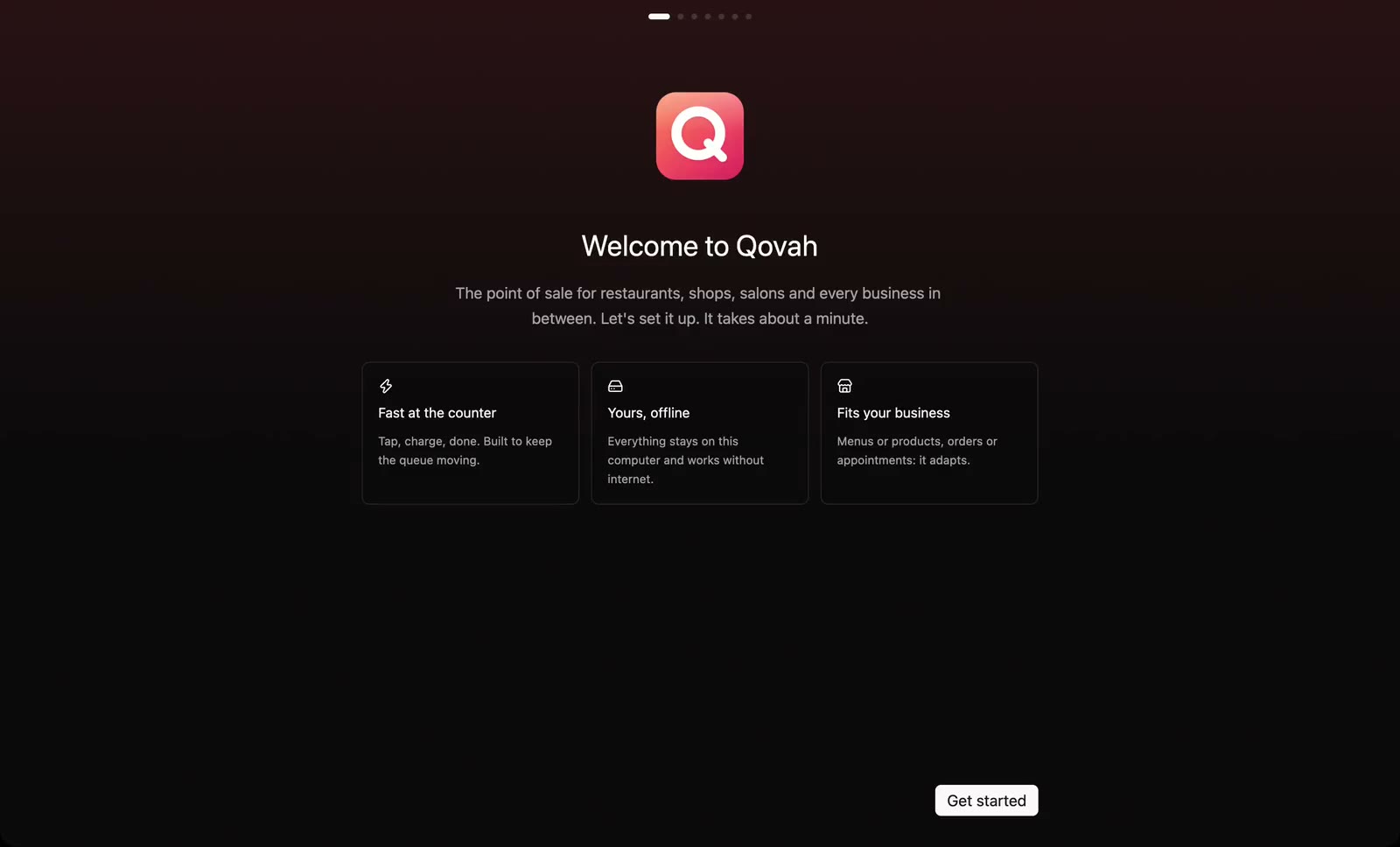
Download Qovah Desktop for your computer and open it for the first time. You don't need it to start: the till also runs in your browser.
Name your business, pick its type, currency, features and look, and protect the till with a PIN.
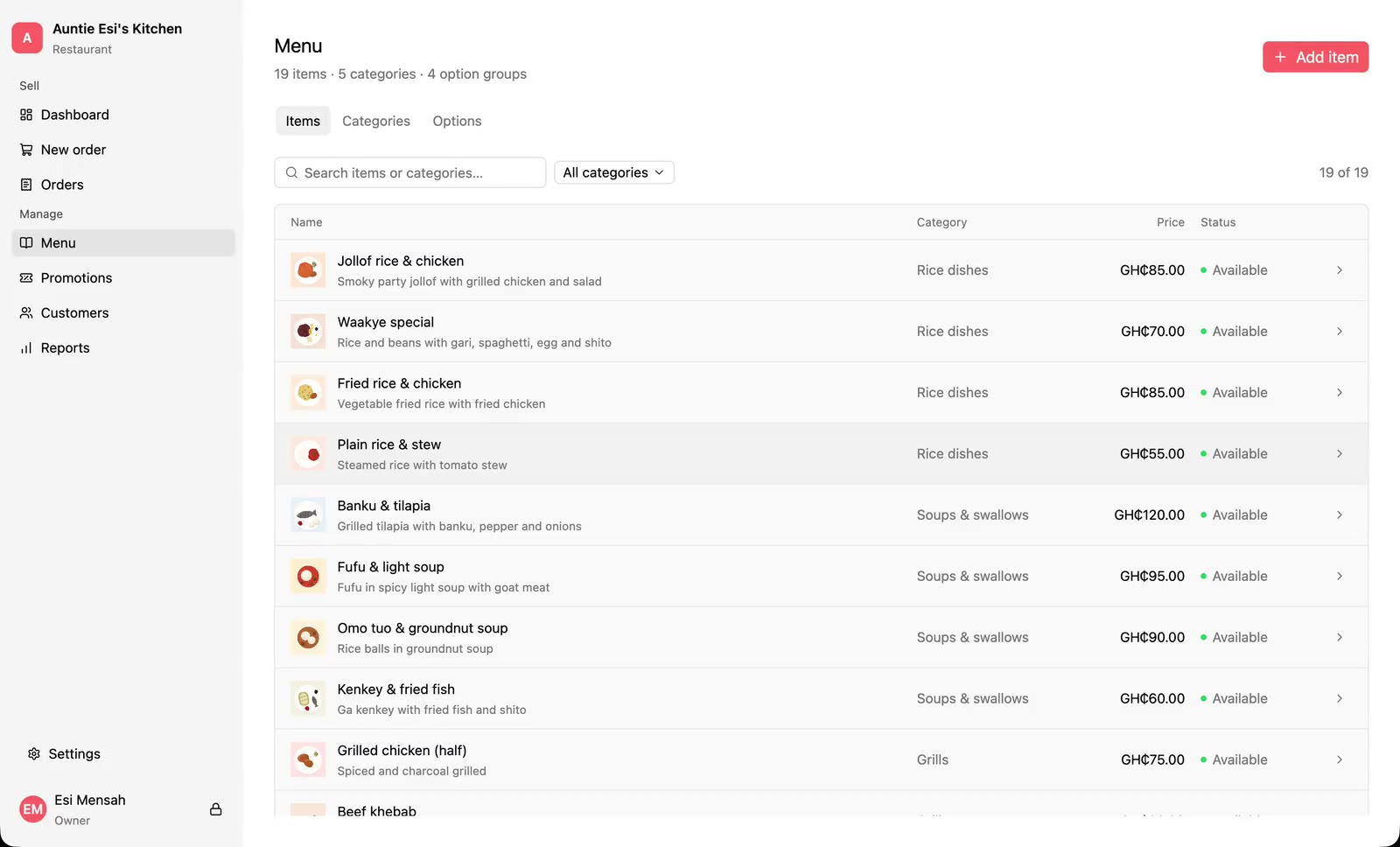
Add categories, option groups and items, with prices, photos and the hours they sell.
Import your products, prices and stock counts from a CSV file, and export them back out.
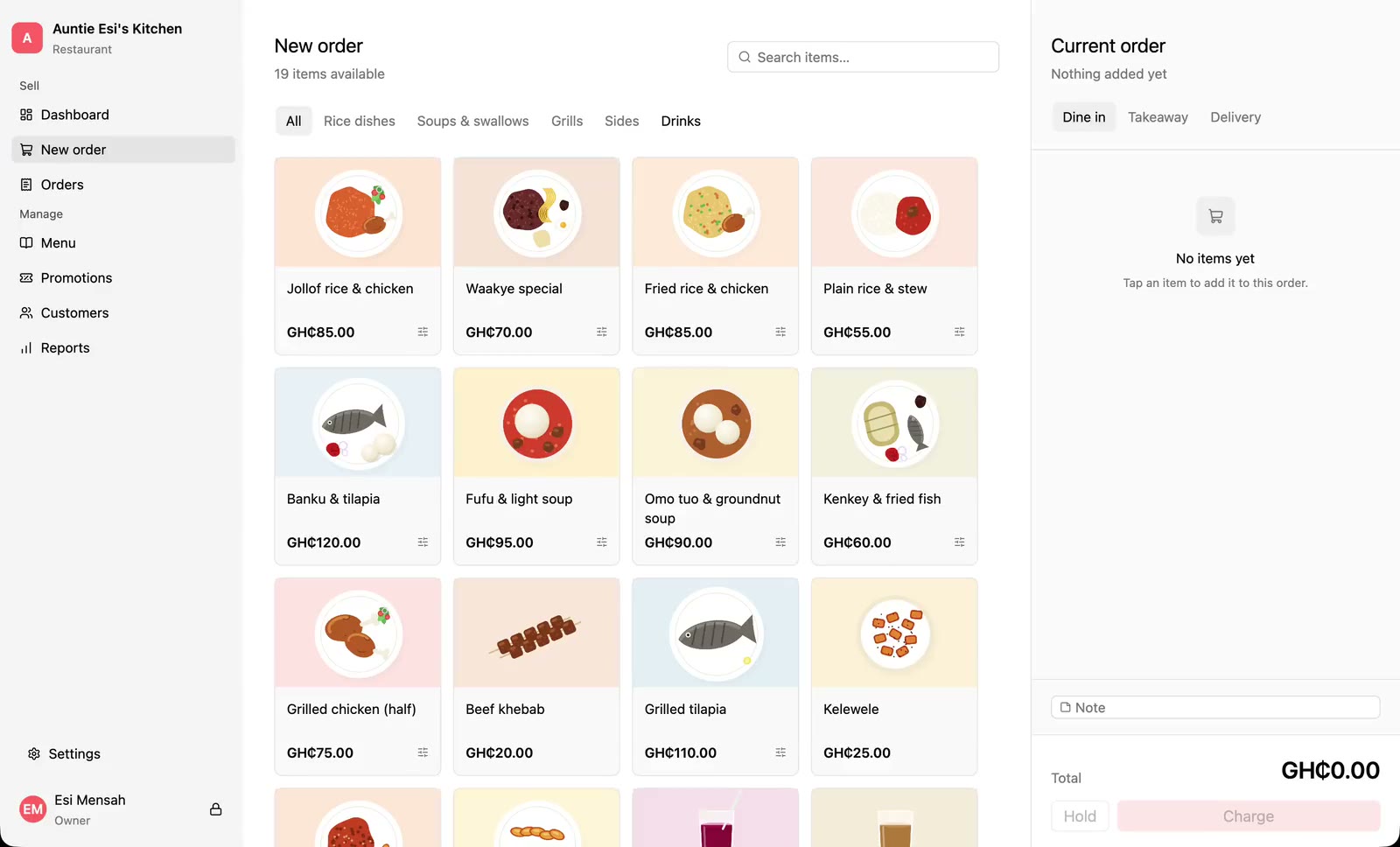
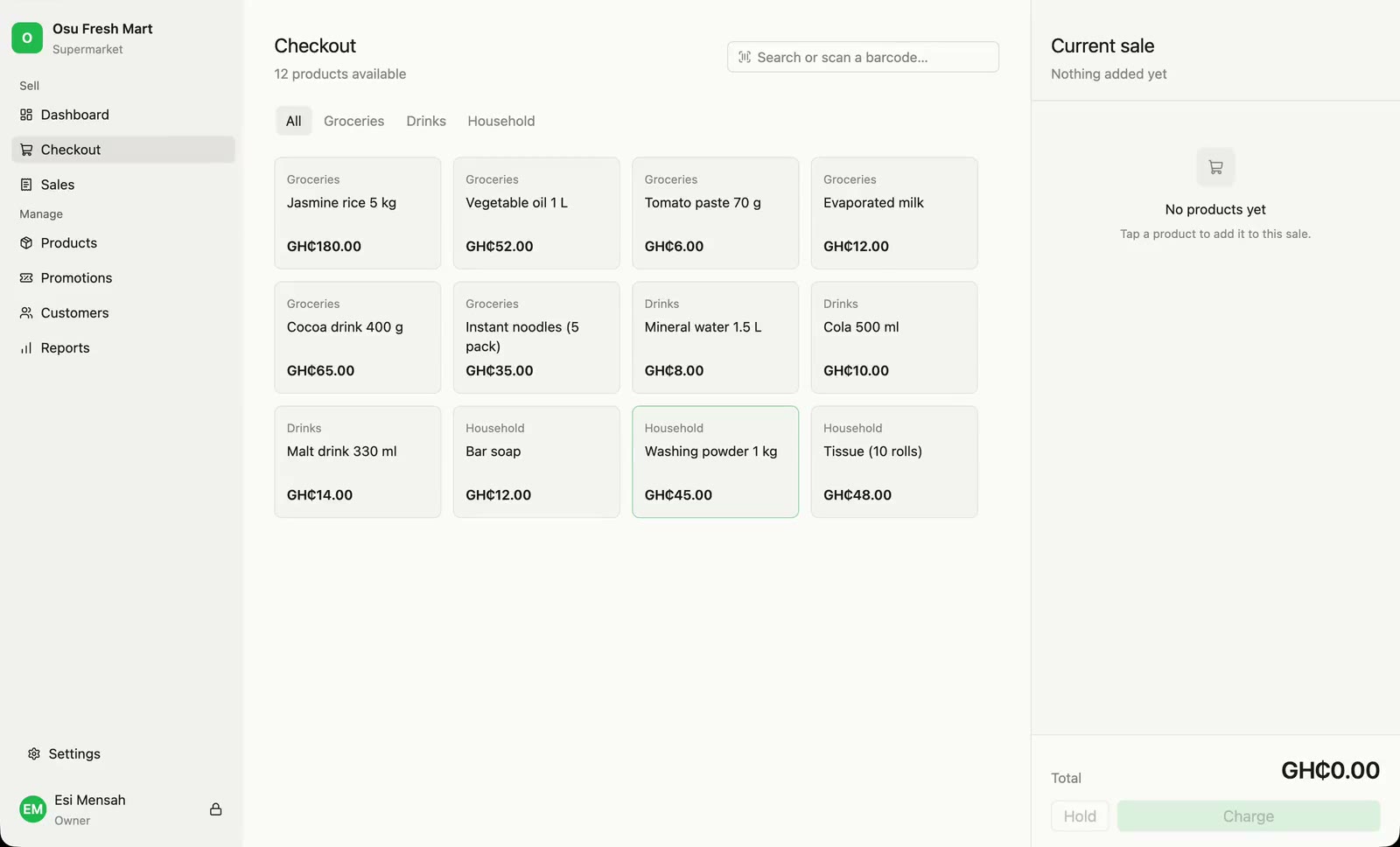
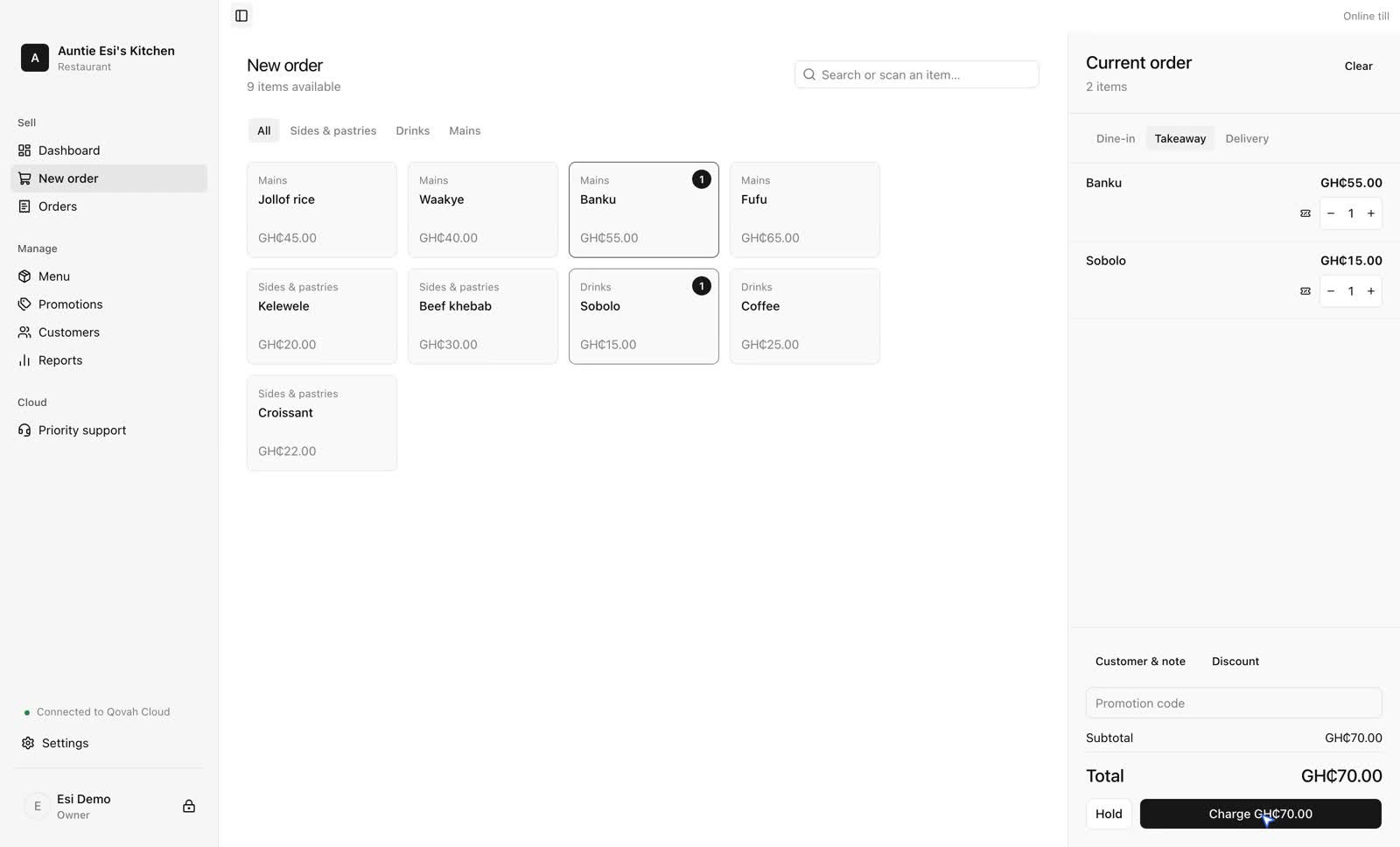
Tap items onto the ticket, choose options, then charge it with change worked out for you.
Scan products onto a sale with any barcode scanner, then take mobile money.
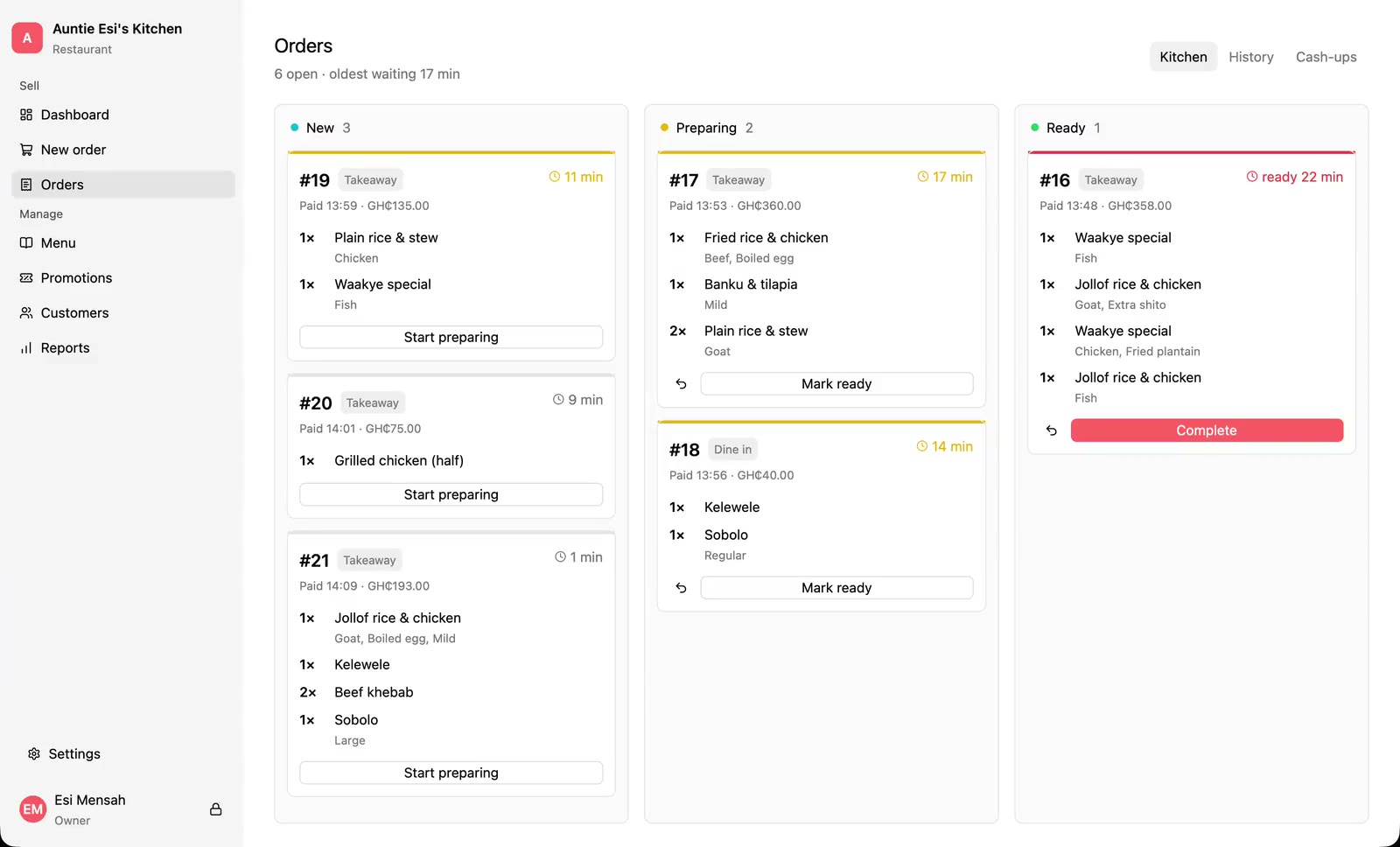
Move paid orders from New to Preparing to Ready, and see how long each has waited.
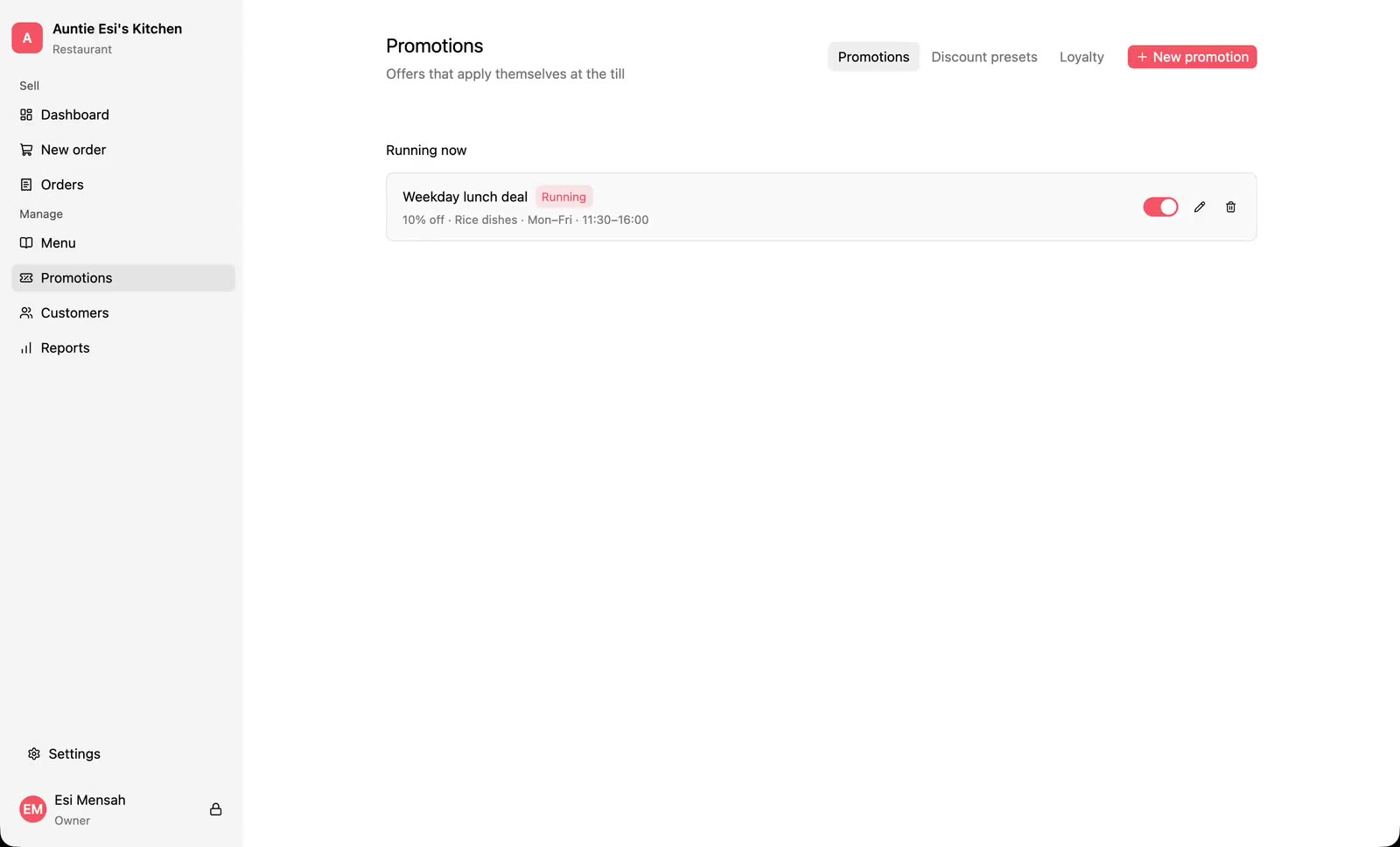
Set up a happy hour that applies itself, and take money off a single order.
Show customers their order as you ring it up, and give the kitchen its own screen, on a second monitor or a tablet.
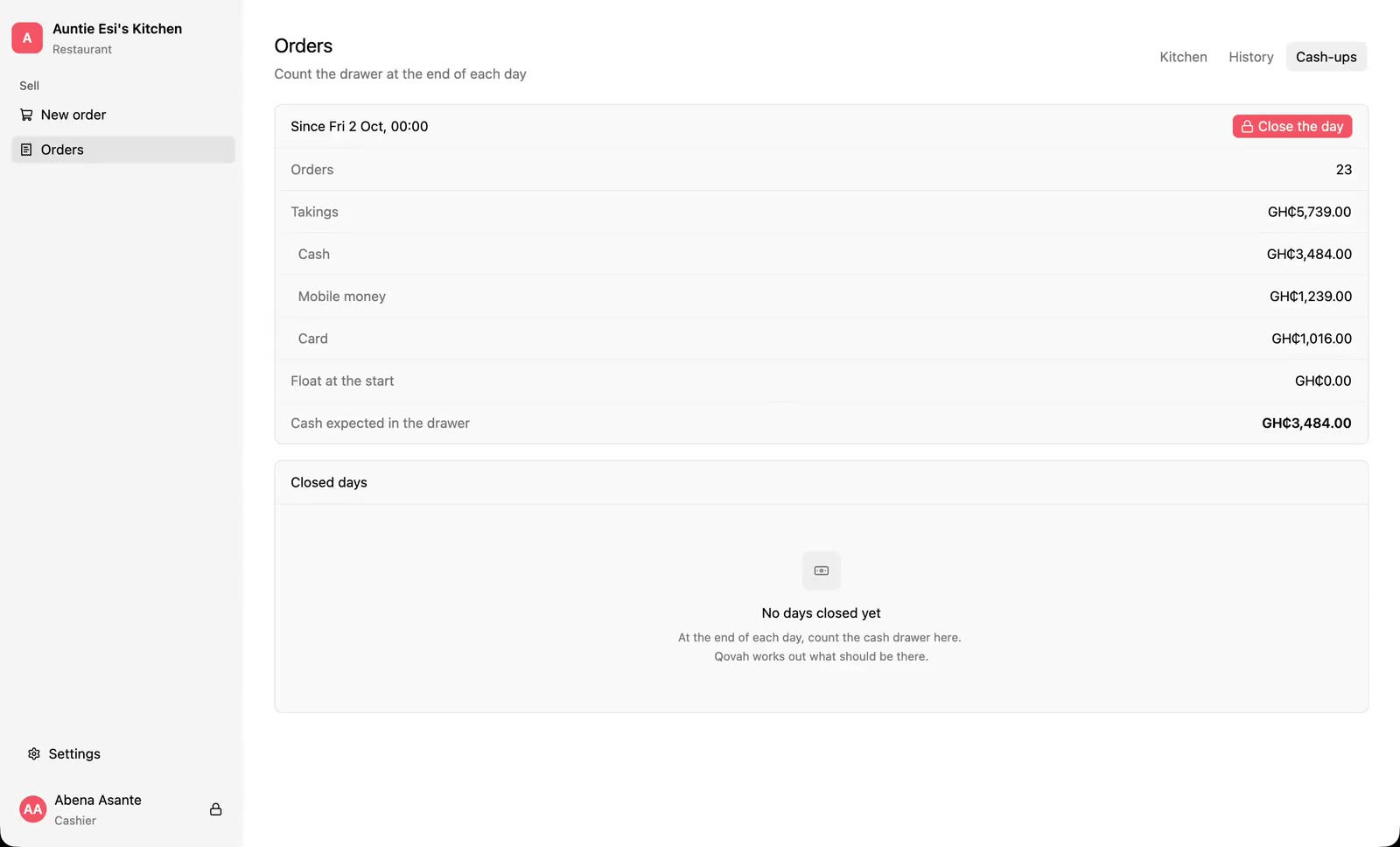
Count the drawer, see if it's short or over, and leave a float for tomorrow.
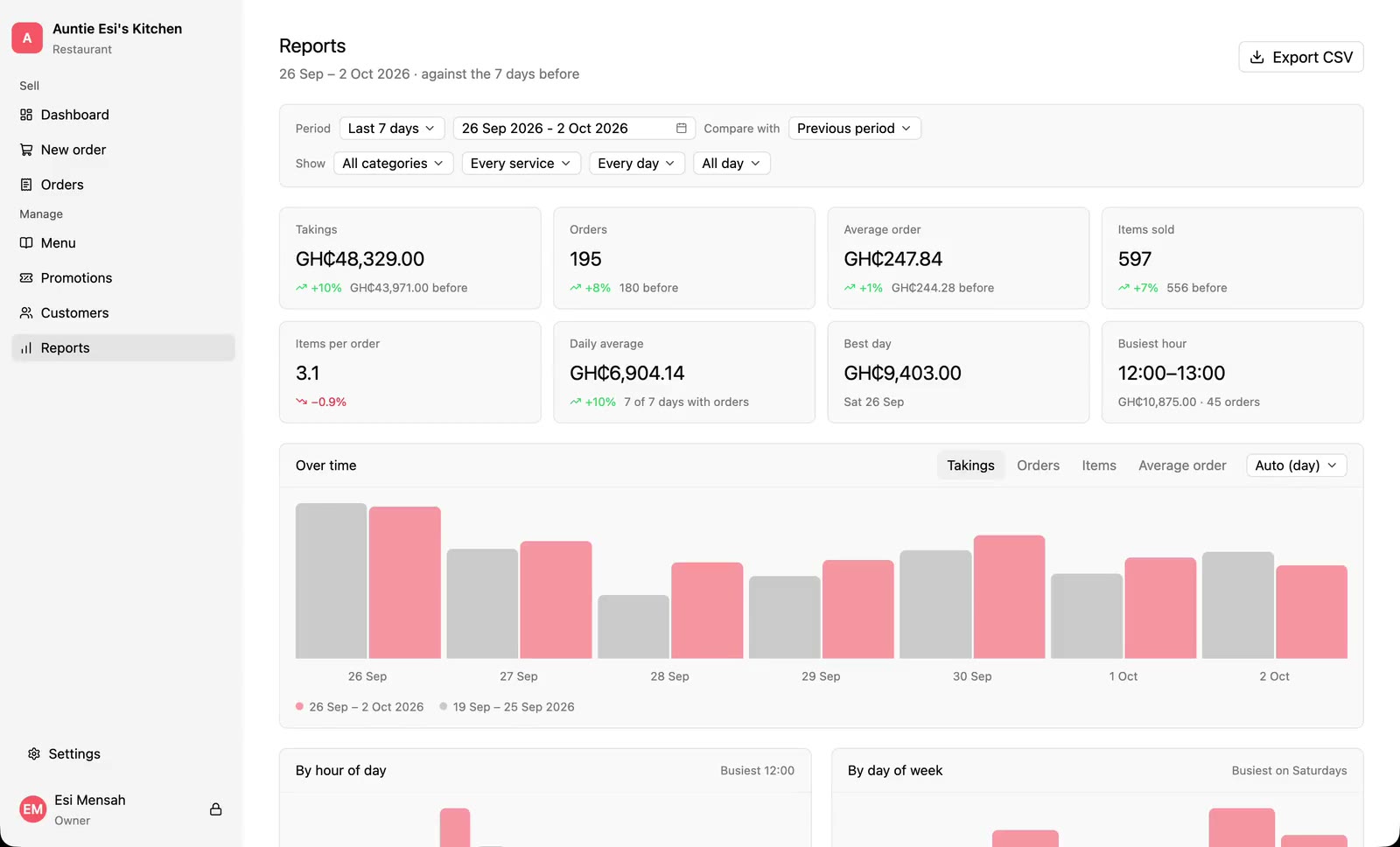
See takings, best sellers and busy hours for any period, against the one before.
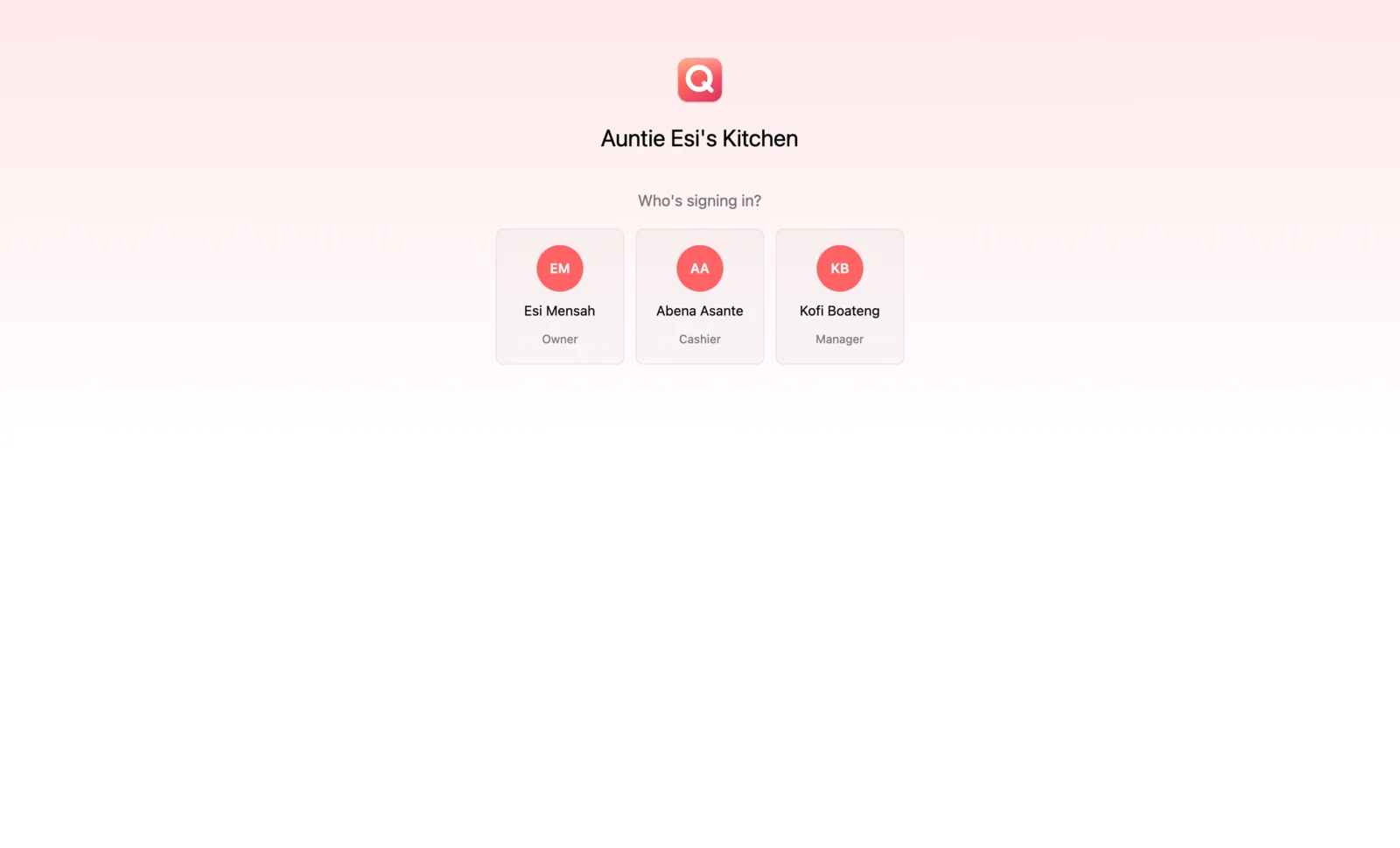
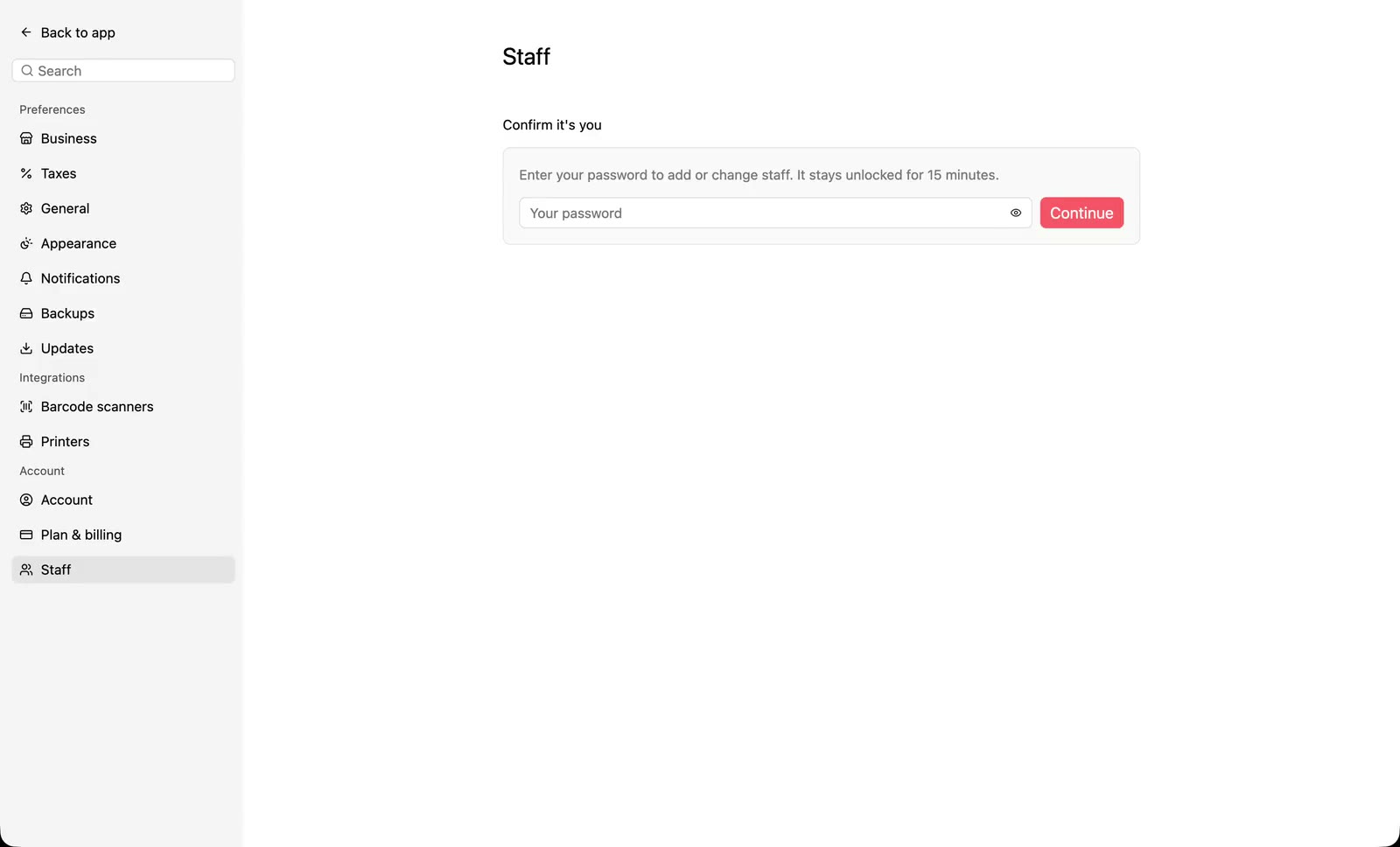
Give each person their own PIN, and decide what managers and cashiers can do.
Subscribe, sign your tills in, and get syncing, branches, nightly backups and a summary every morning.
Sign your business up in a browser, sell from a laptop, tablet or phone, and run the order board with every desktop offline.
Take mobile money and card on the customer's own phone, from the desktop till or the online till, and refund it if you need to.
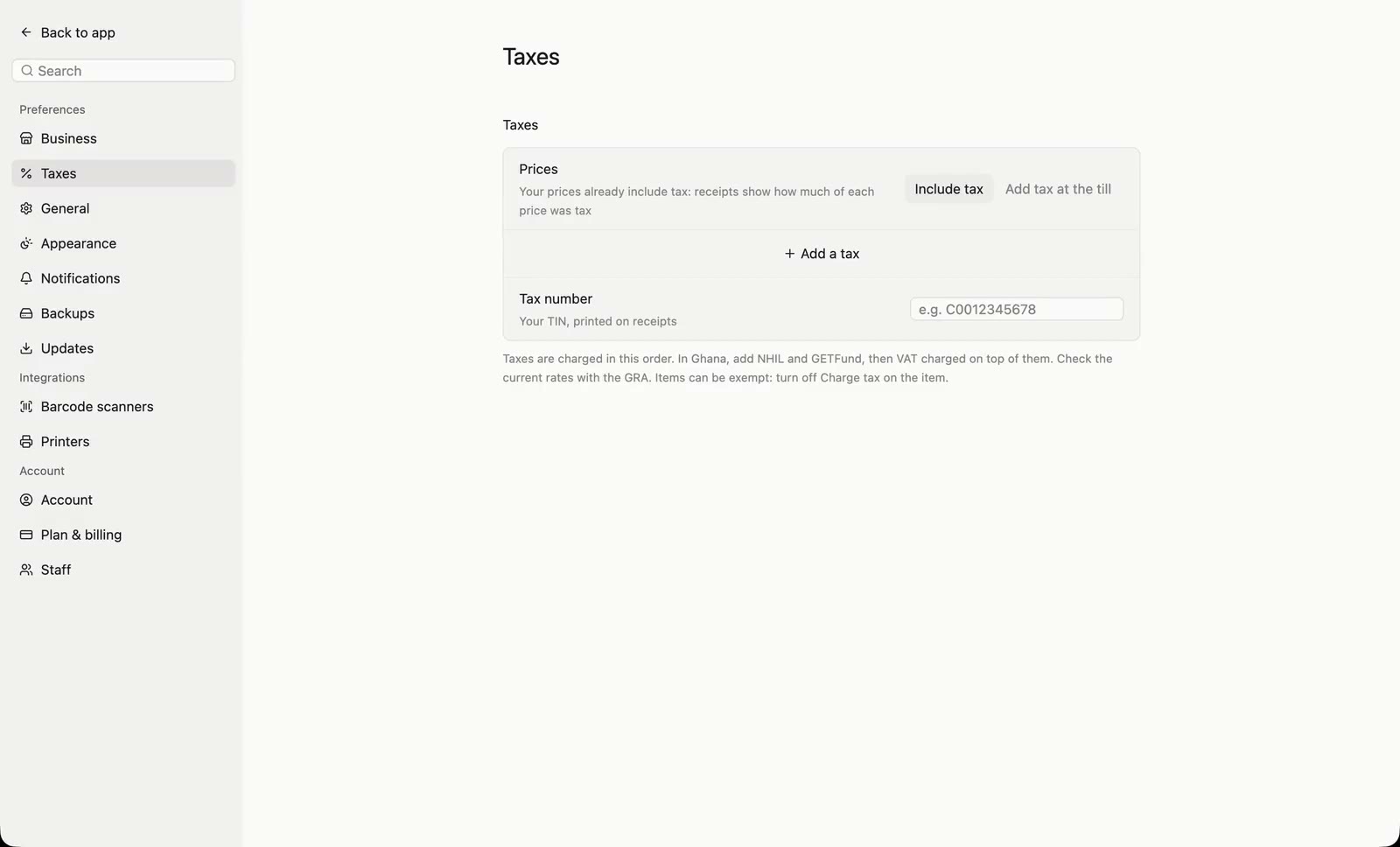
Add NHIL, GETFund and VAT, choose whether prices include tax, and print your TIN.
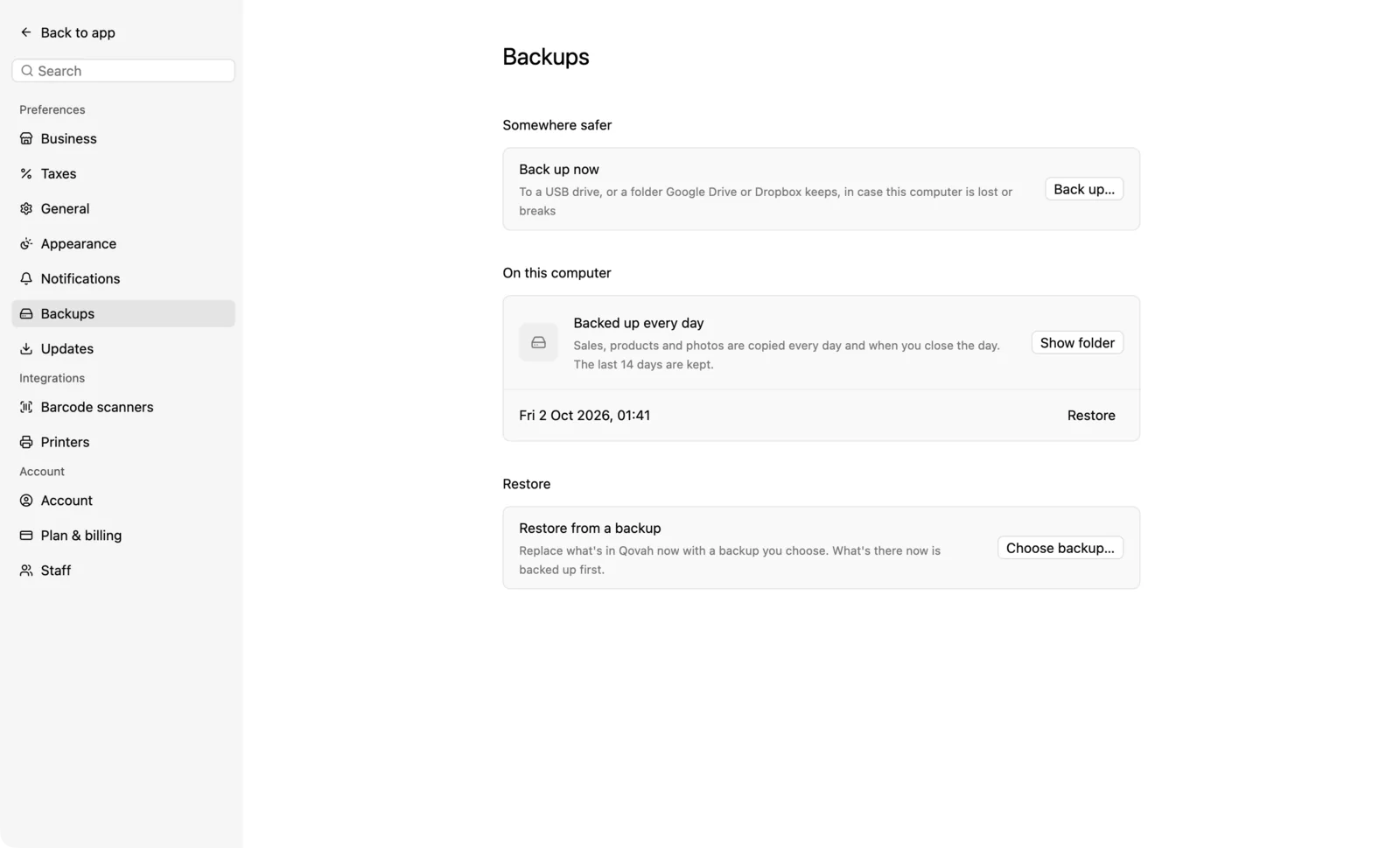
Qovah backs itself up every day. Keep a copy somewhere else too.
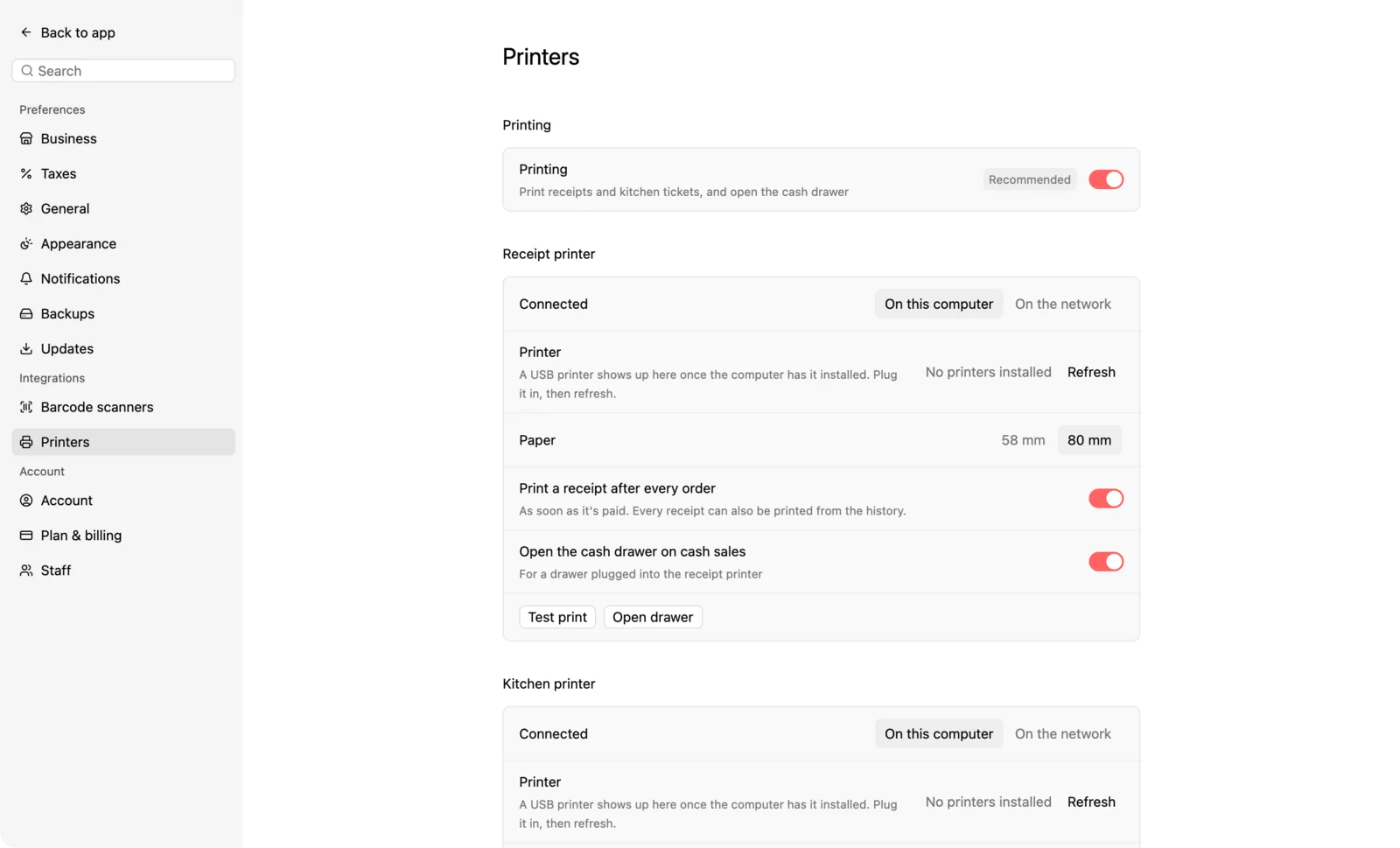
Print receipts and kitchen tickets, and open the drawer when a sale is paid in cash.
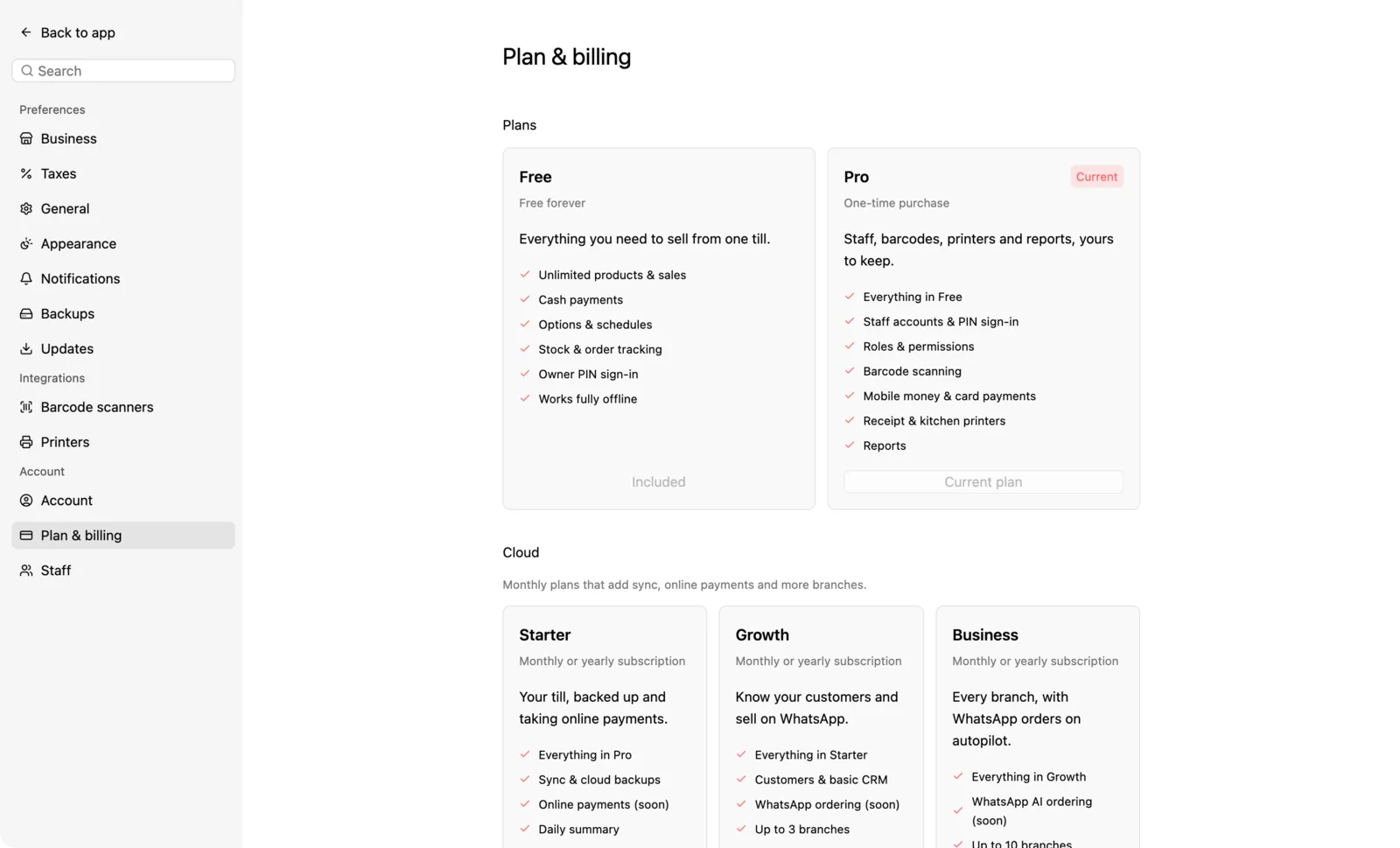
Unlock Desktop from inside the till, and what your licence covers.