Every way your customers buy from you, in one system.
At the counter, in a browser, by pay link, soon on WhatsApp — with mobile money, card, receipts and every branch in one place. Start free in your browser.
14 free days of Cloud Growth · No card · Nothing to install
Need a counter that sells without the internet? Add Qovah Desktop.
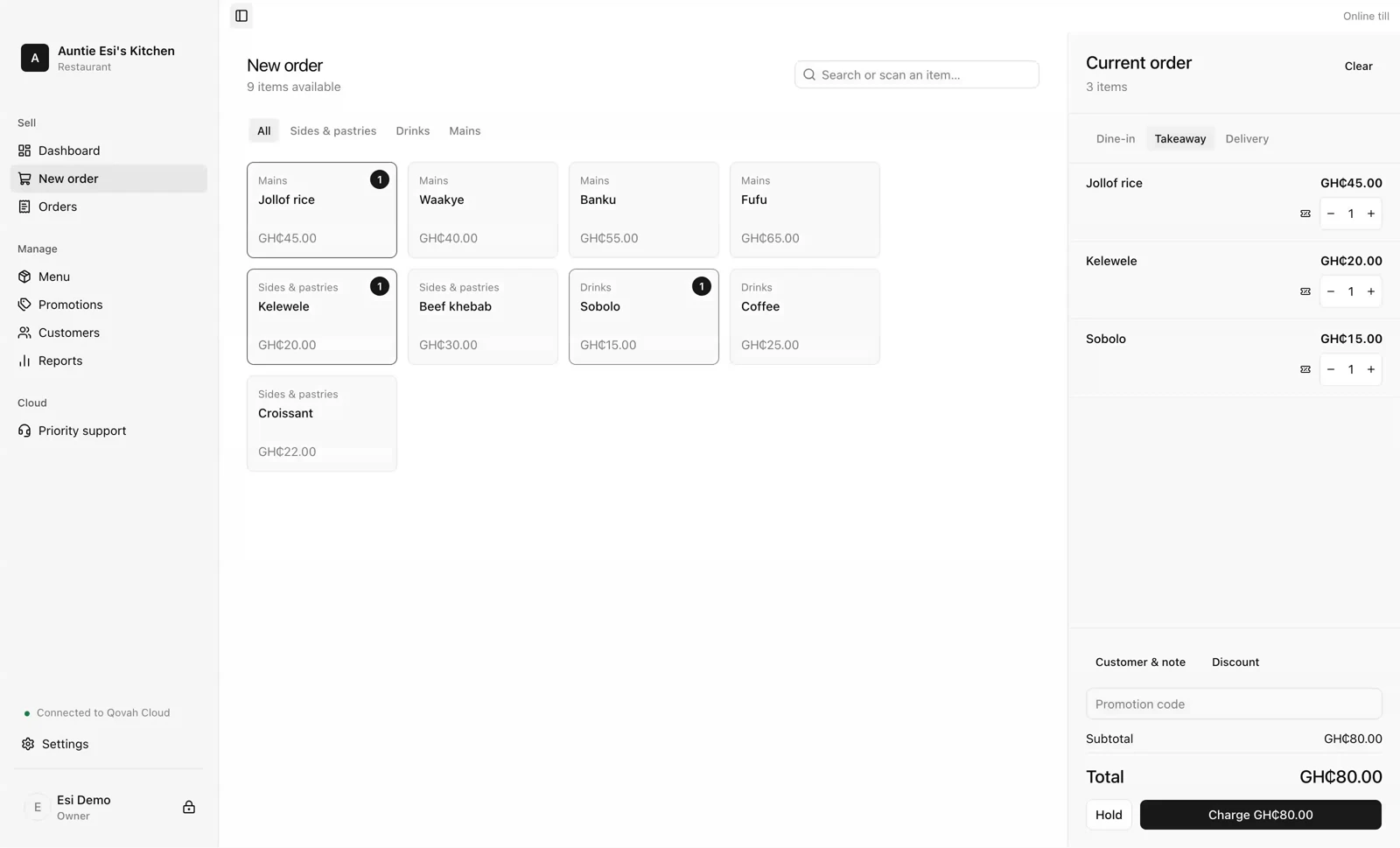
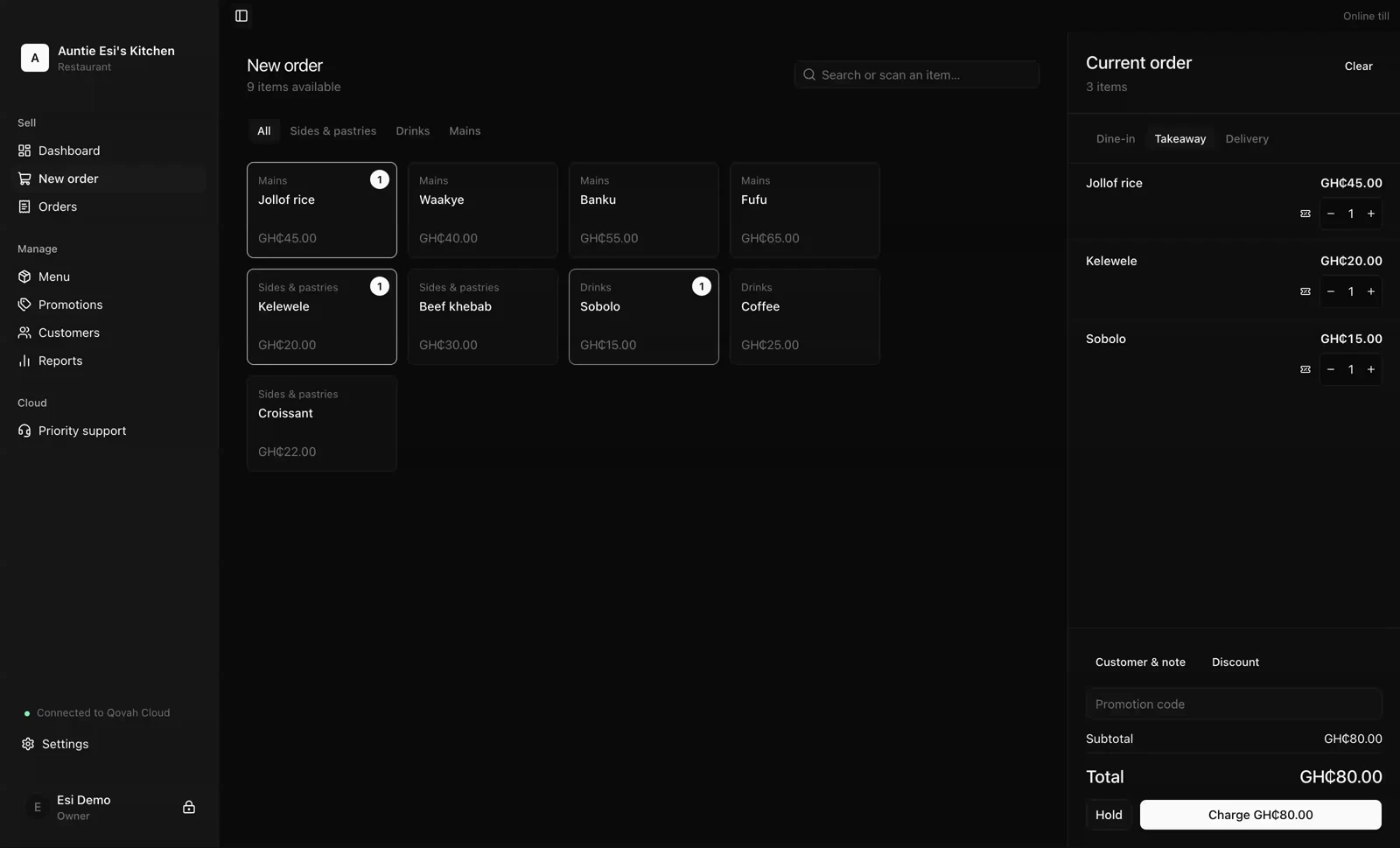
The till, in any browser
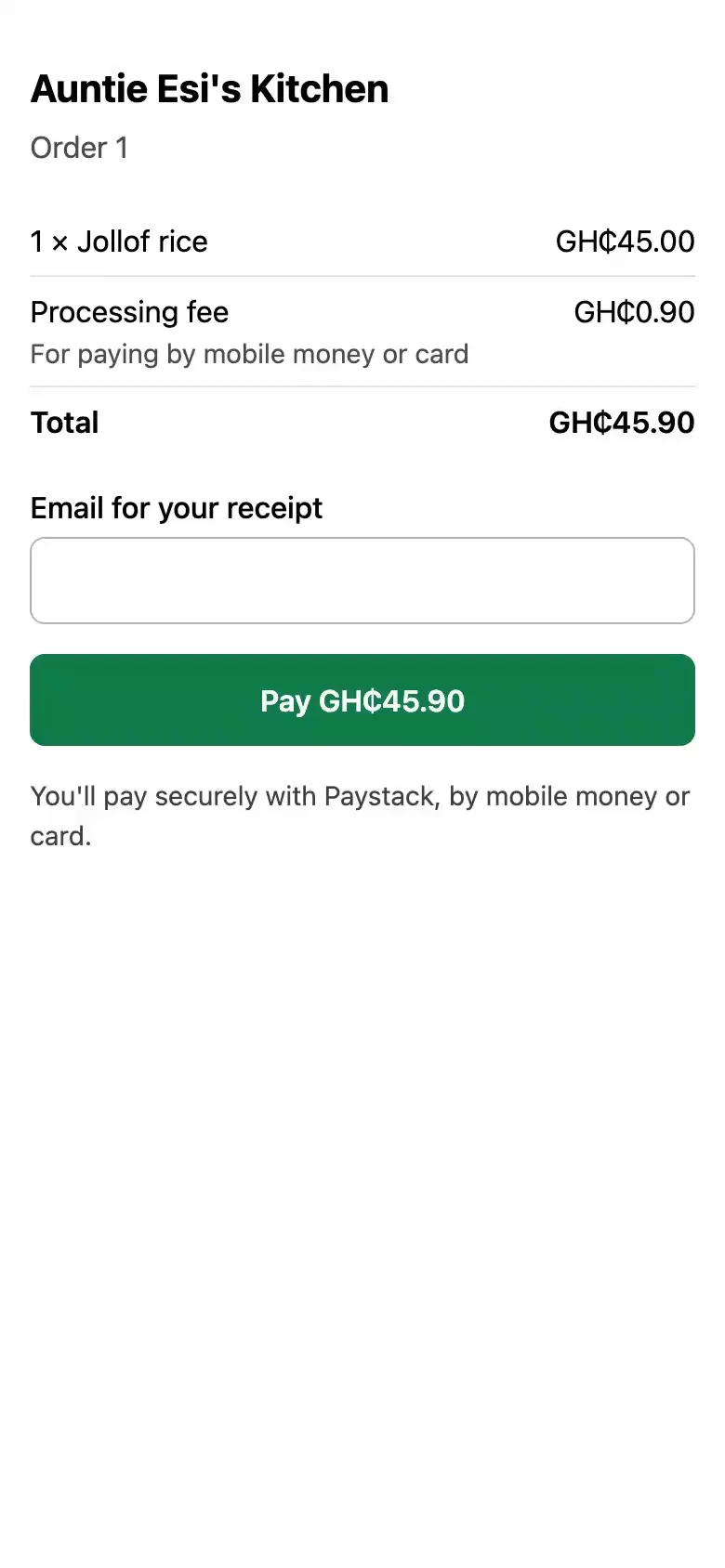
Their phone, paying
One system, from the first tap to the last cedi.
Sell
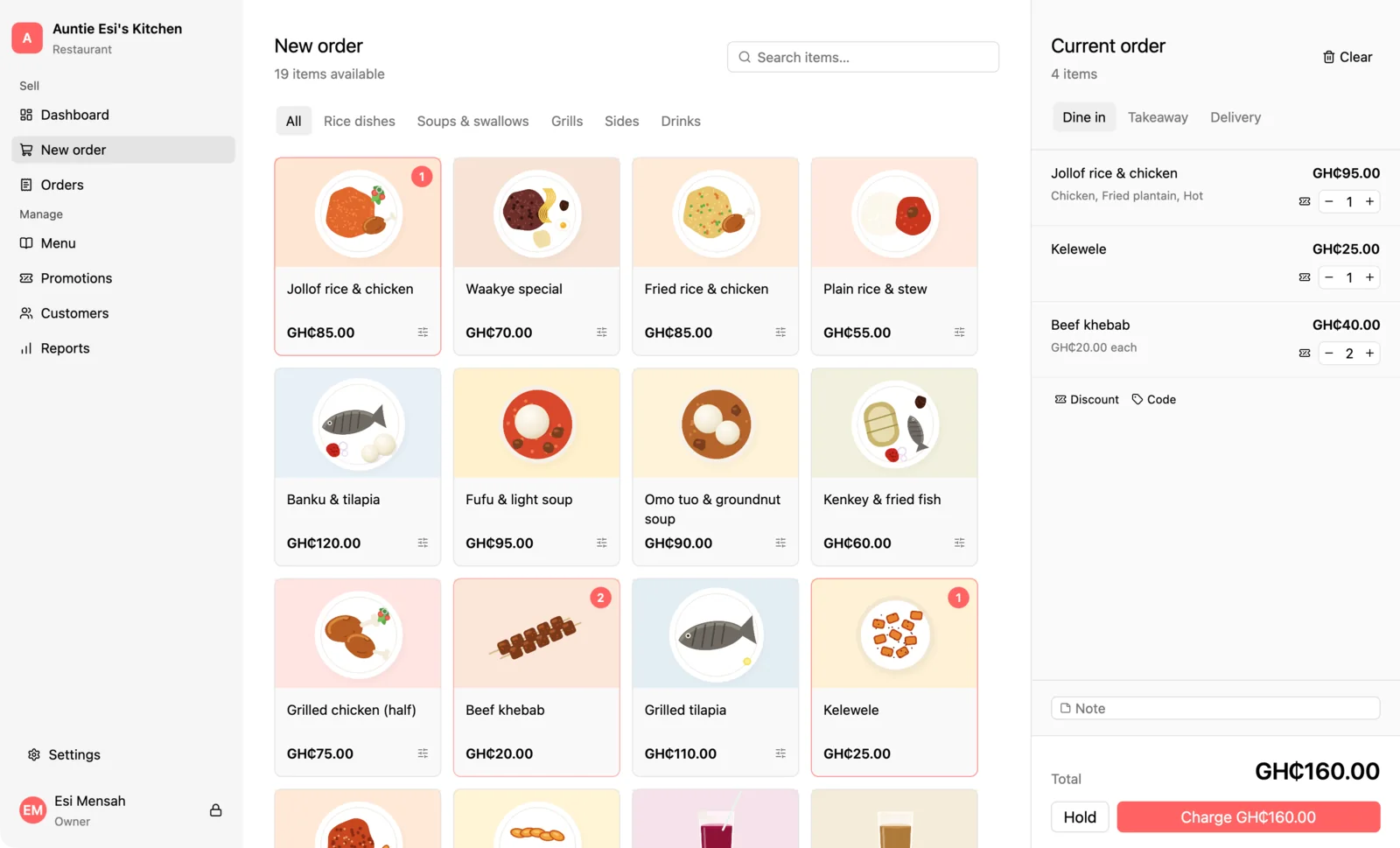
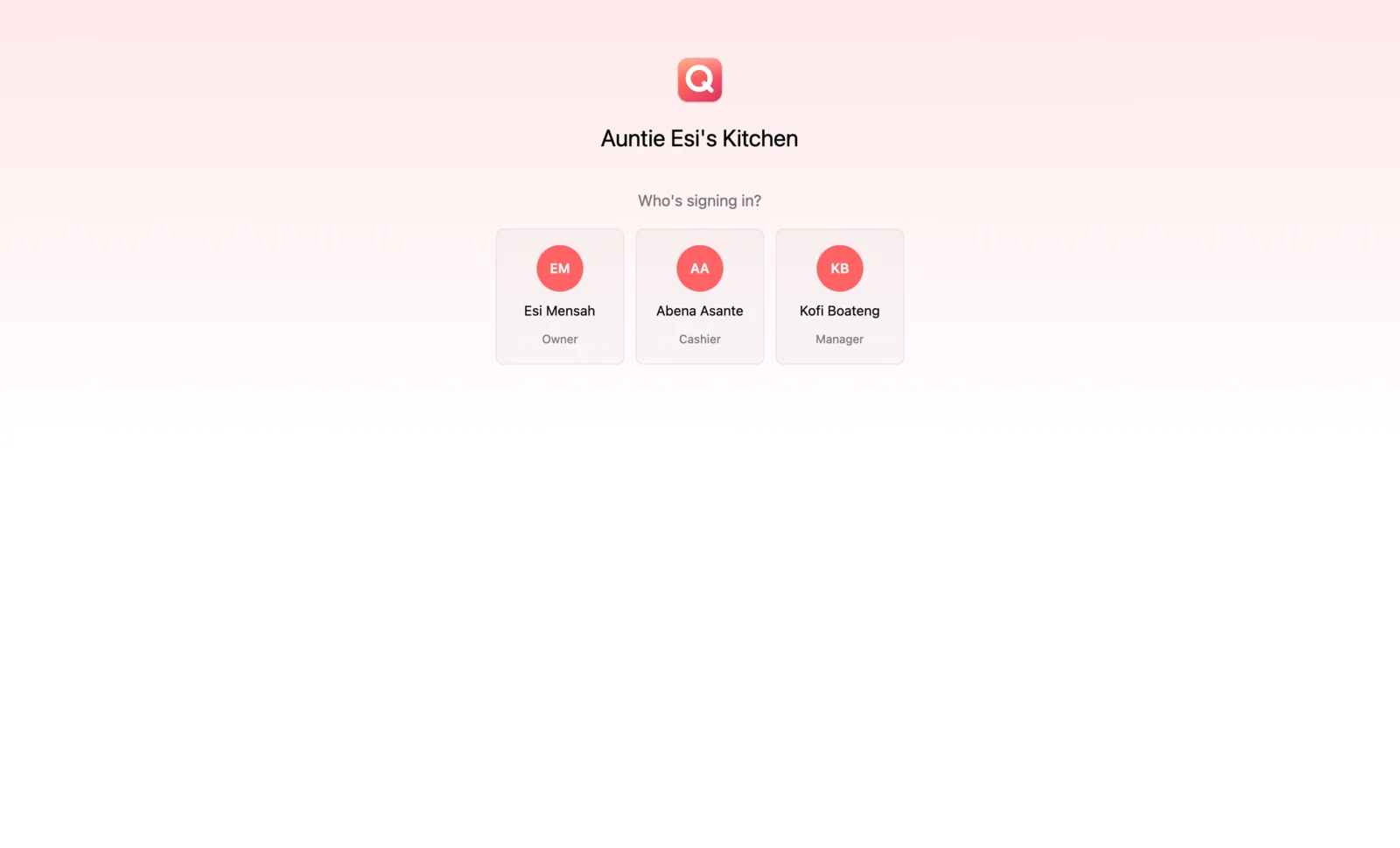
In any browser, or on a counter that keeps selling when the network stops. One menu, one team, whichever till is in front of you.
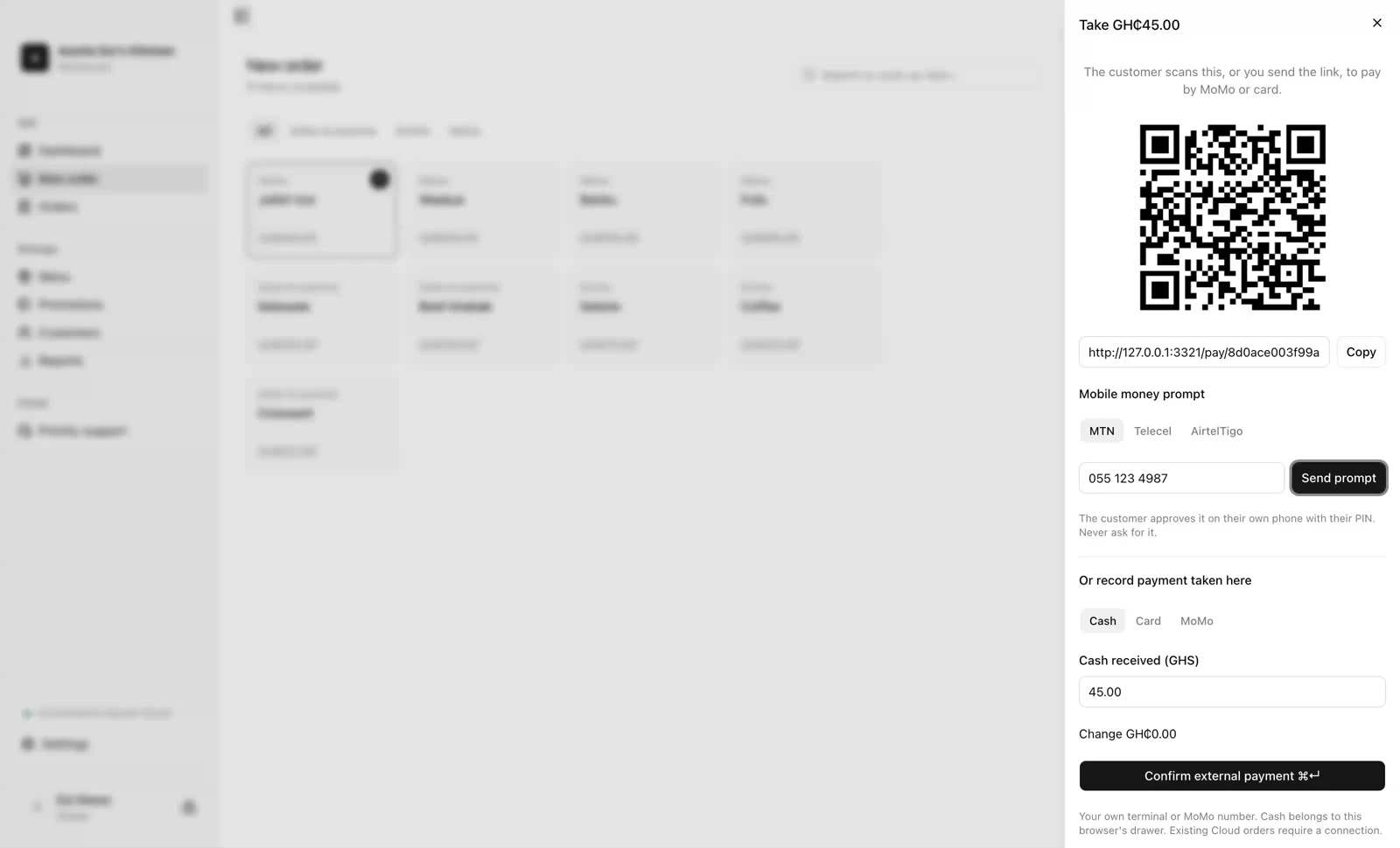
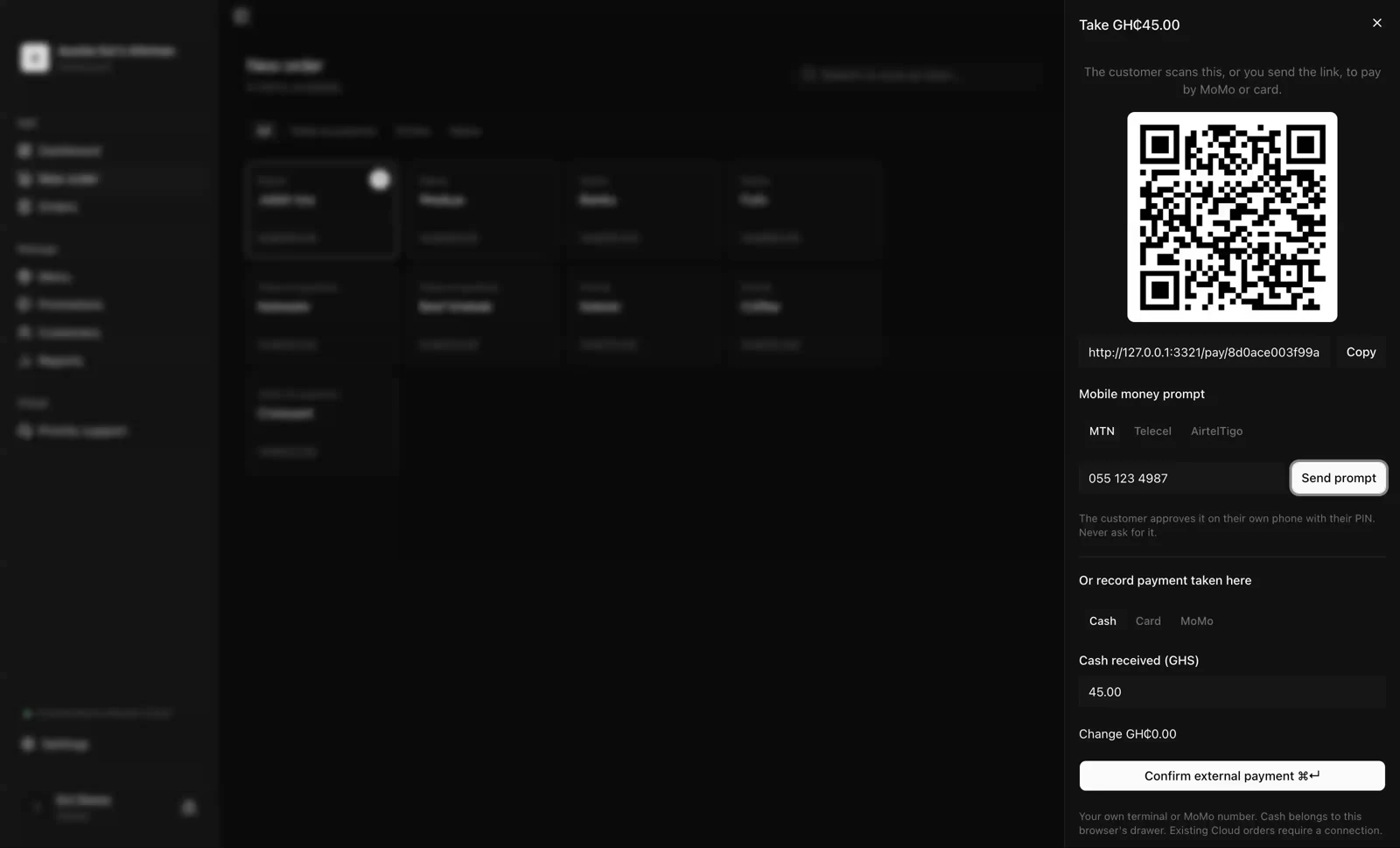
Get paid
Mobile money or card on the customer's own phone, by link or by prompt. It settles to your account, and their receipt goes out the moment it lands.
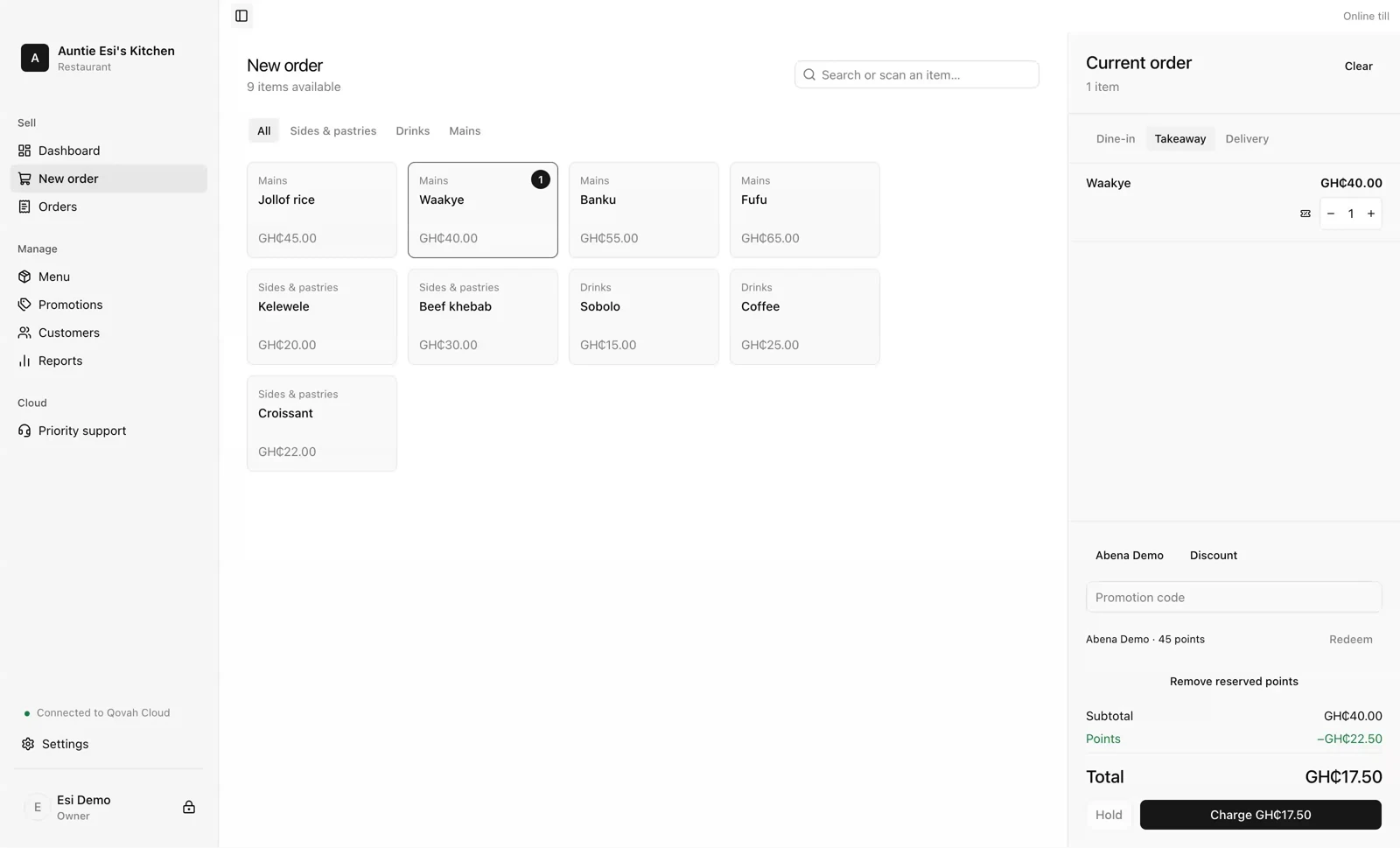
Know your customers
A name and a number on the sale, points your regulars earn and spend, and one set of customers across every branch from Growth.
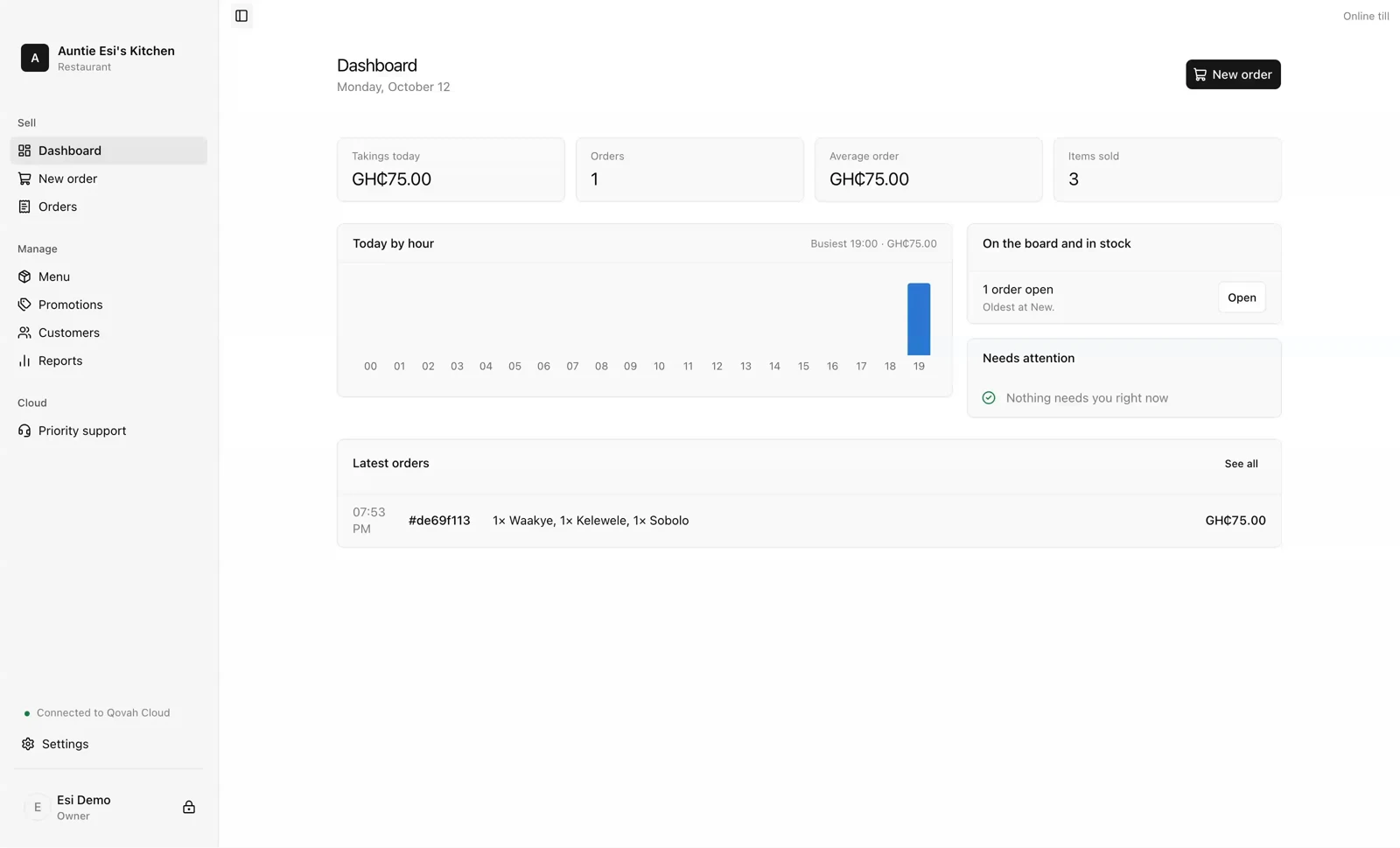
Run every branch
One menu, one team and one set of numbers, read together or one branch at a time, with nightly backups and yesterday's takings by email.
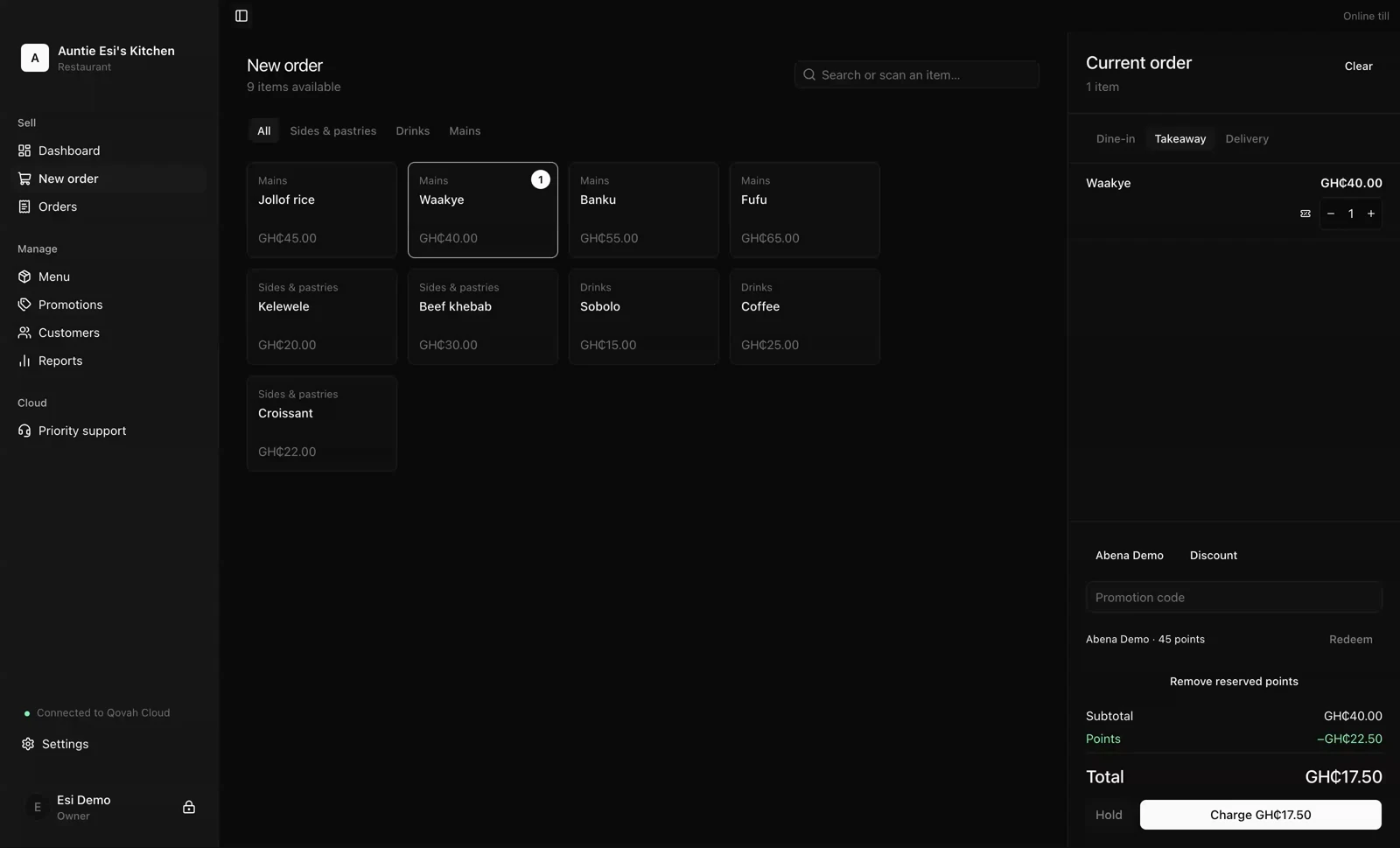
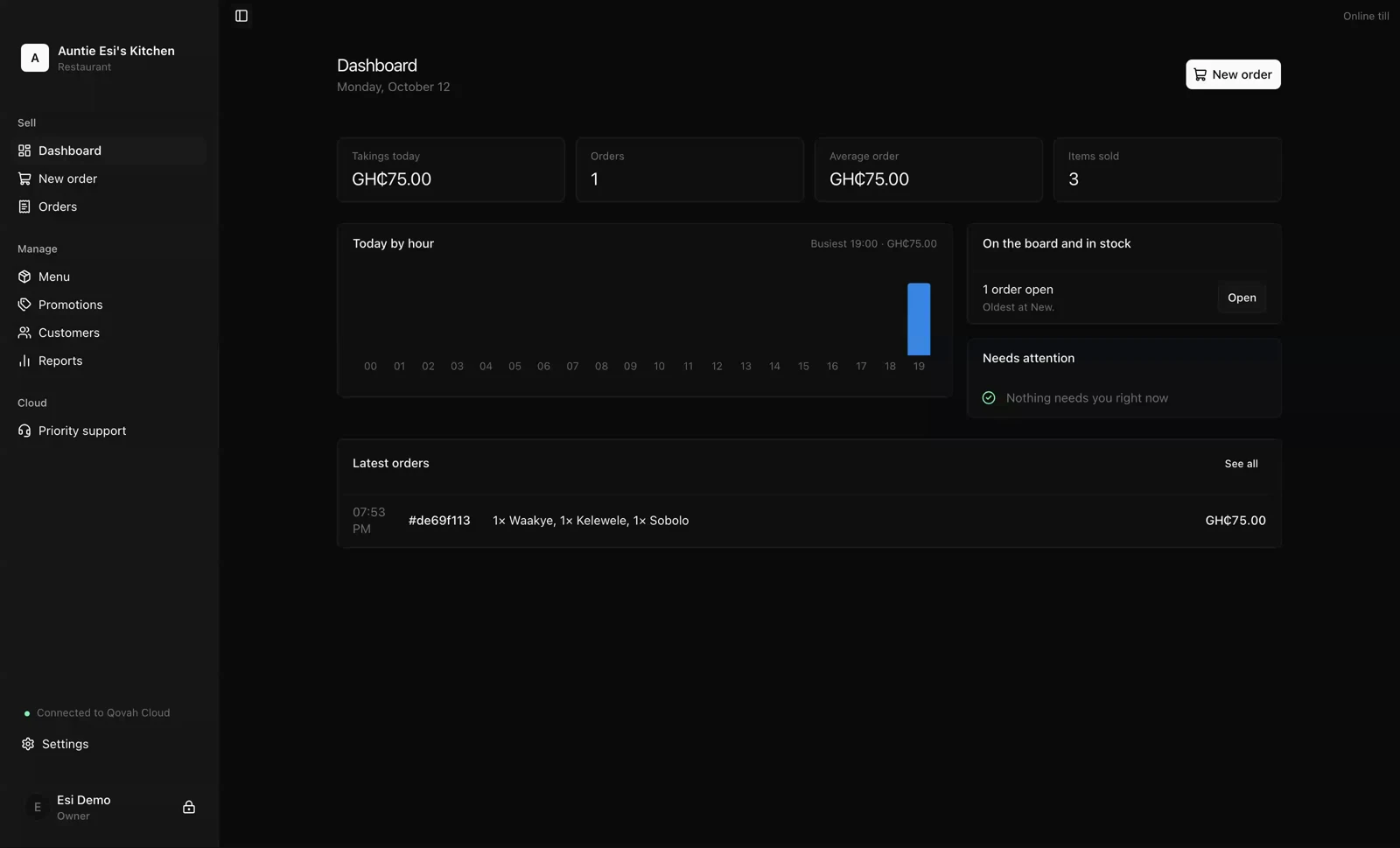
Built for here.
Ghana first, and it shows in the work rather than in a slogan.
Cedis, and the coins
Prices, change, taxes and reports in GHS, worked out to the pesewa, with each currency counted on its own.
Mobile money, properly
MTN, Telecel and AirtelTigo prompts the customer approves on their own phone, not an afterthought behind cards.
For when the network goes
The browser till holds the sale and sends it when the network returns. Desktop sells with no internet at all.
From the first order to the last cedi.
01 — Take the order
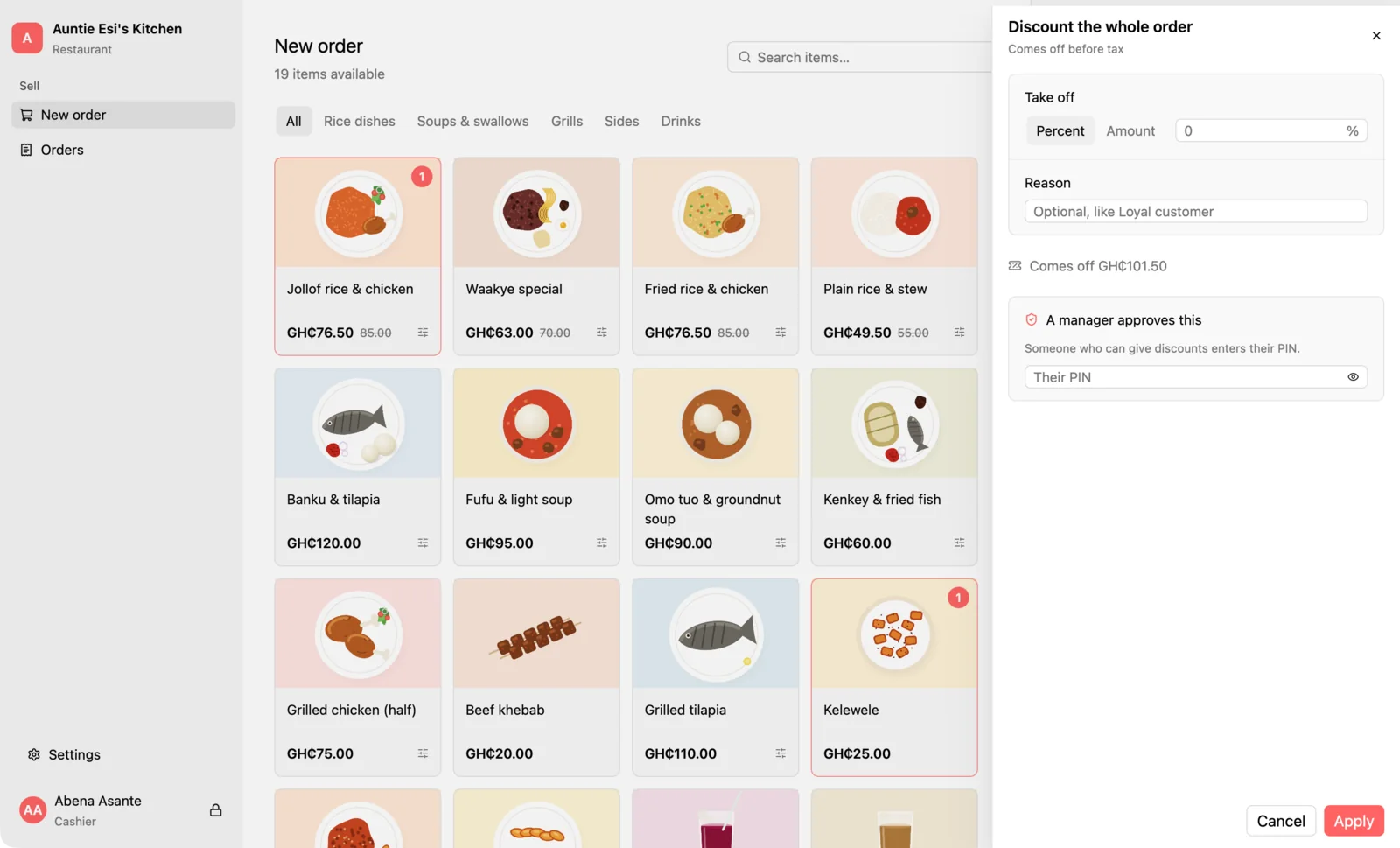
Tap, choose, charge.
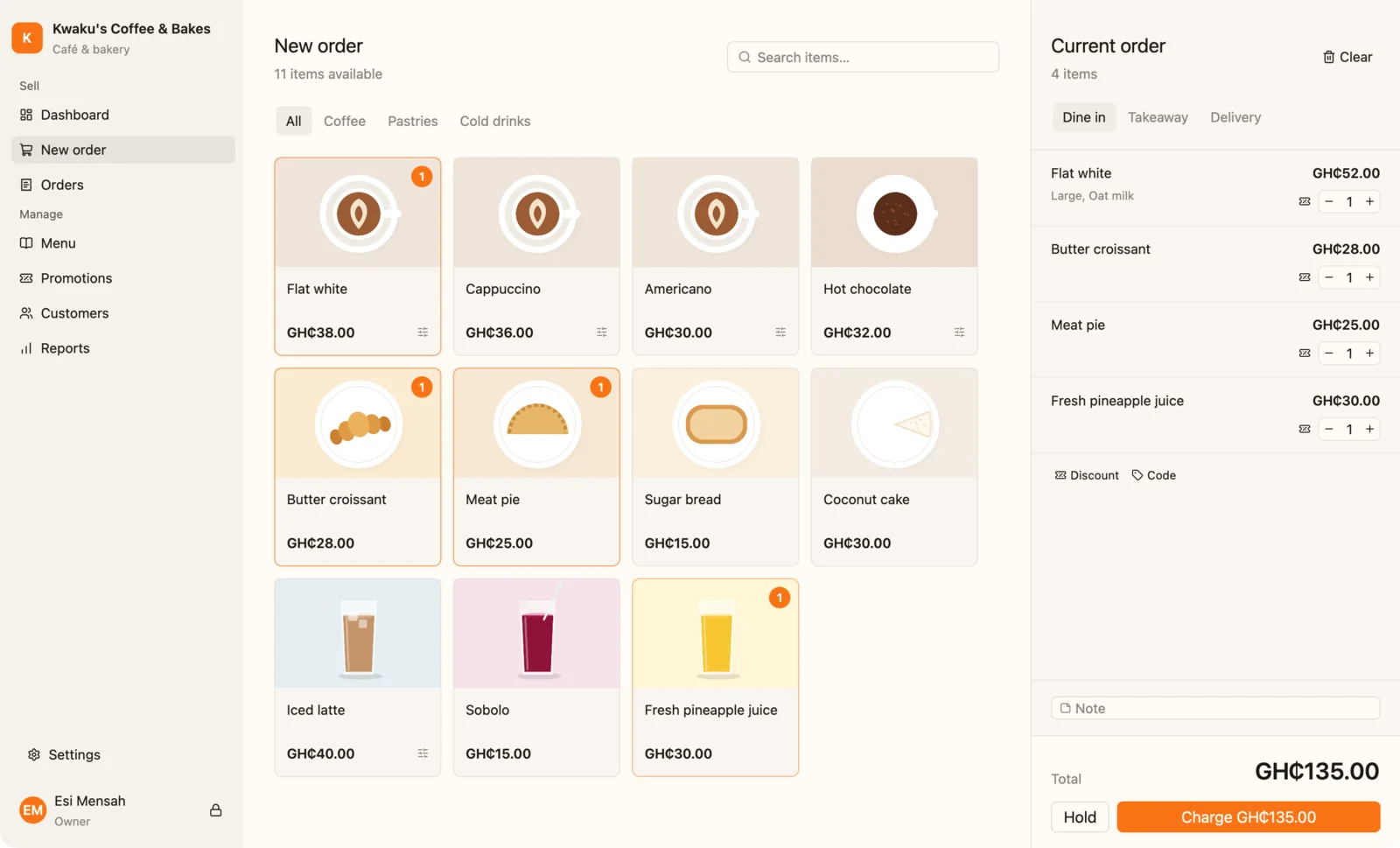
Items with photos, options that price themselves, and change worked out before the customer has found their coins.
Watch the guide02 — Send it to the kitchen
Every order, in the order it came.
Paid orders land on the kitchen board with how long they've waited. New, preparing, ready, done.
Watch the guide03 — Run a deal
Happy hour runs itself.
Set the days, the hours and what it covers. Prices change at the till on their own, and go back when it's over.
Watch the guide04 — Close the day
Count the drawer, not the receipts.
Qovah knows what should be there in cash, mobile money and card. You count; it tells you if you're short or over.
Watch the guide05 — Know your numbers
Your best seller, your busiest hour.
Takings against last week, the hour you need extra hands, what sells on Fridays. Export it all for your accountant.
Watch the guideIt speaks your trade.
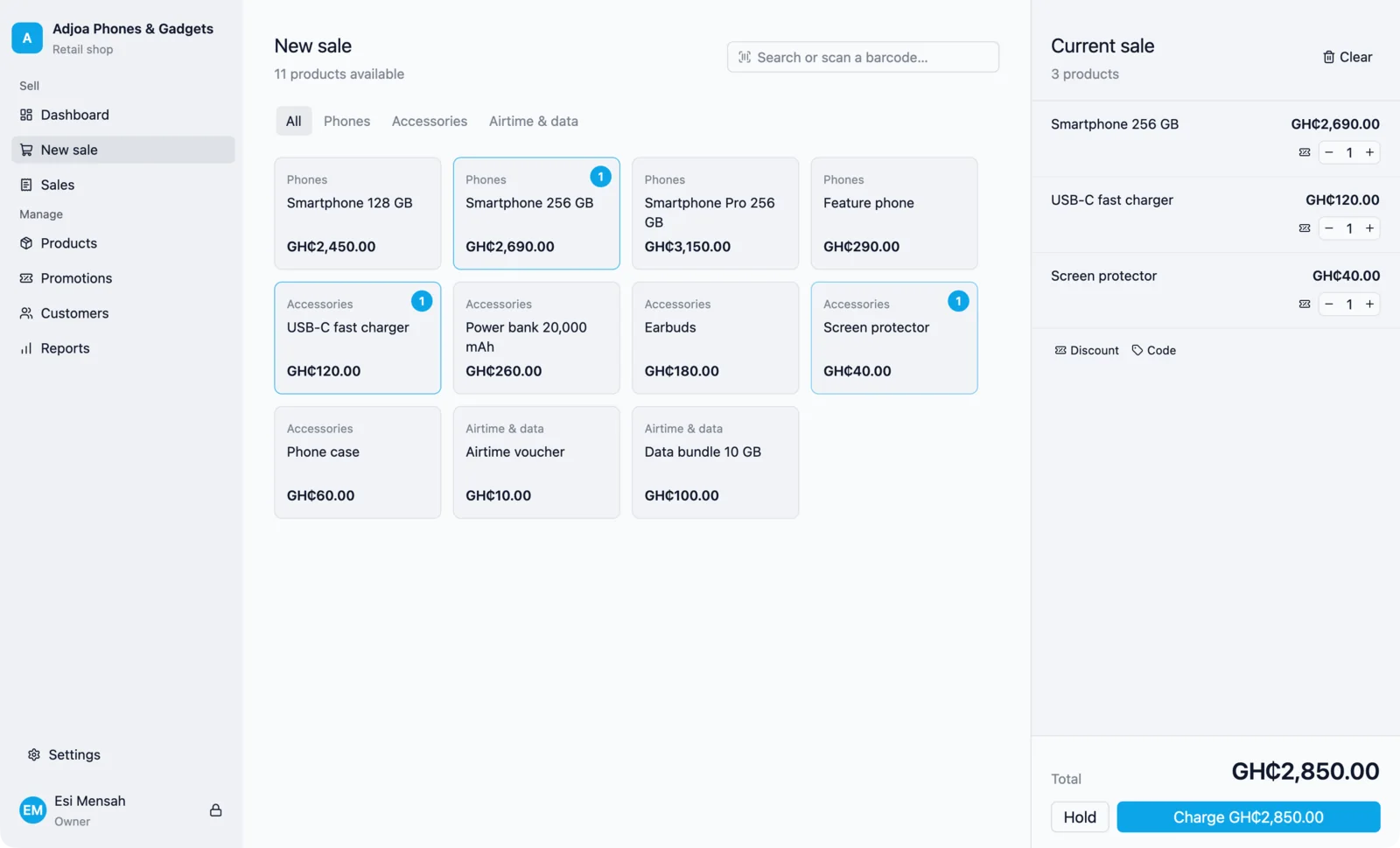
Pick your business when you set up. Screens and wording change to match.
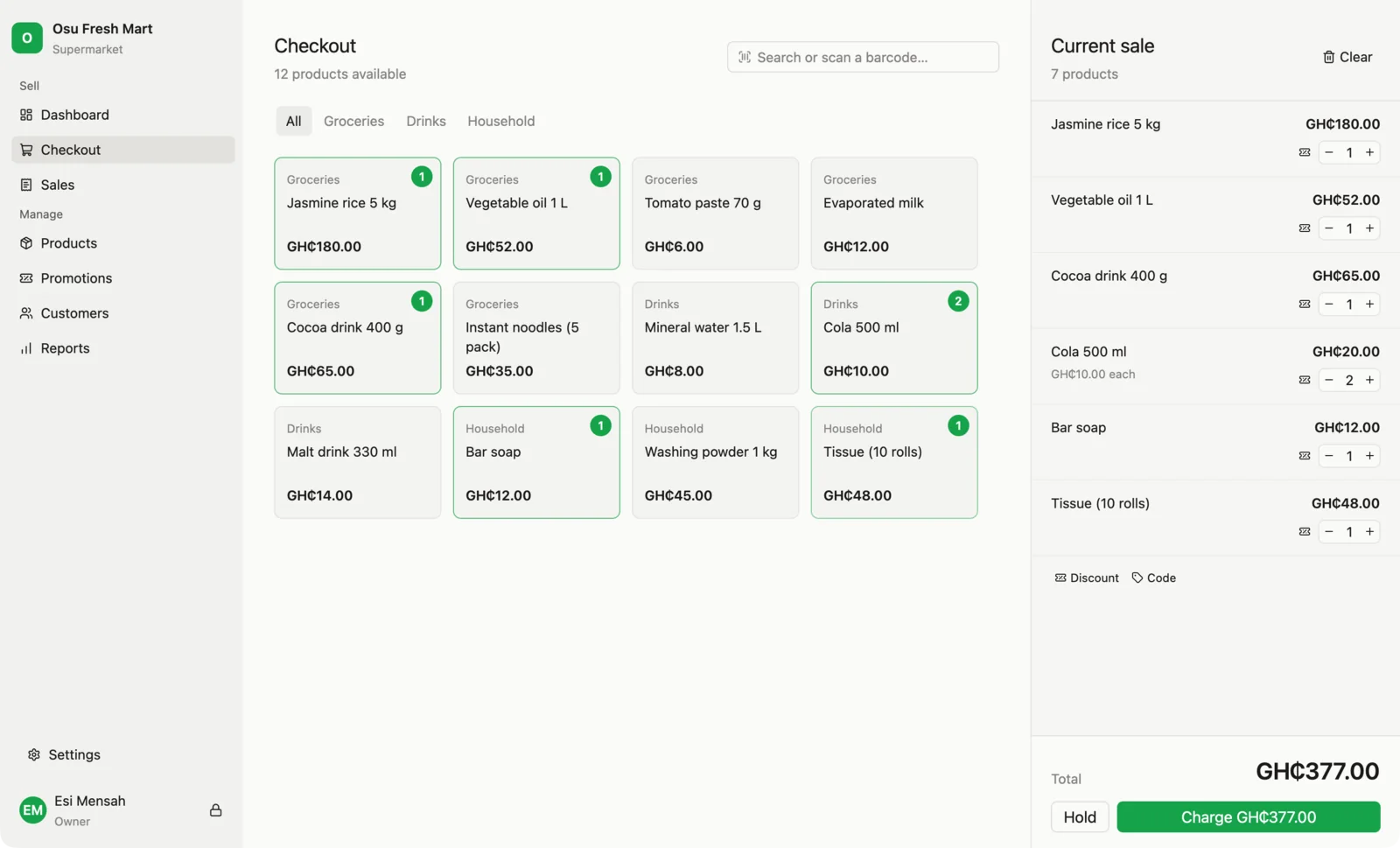
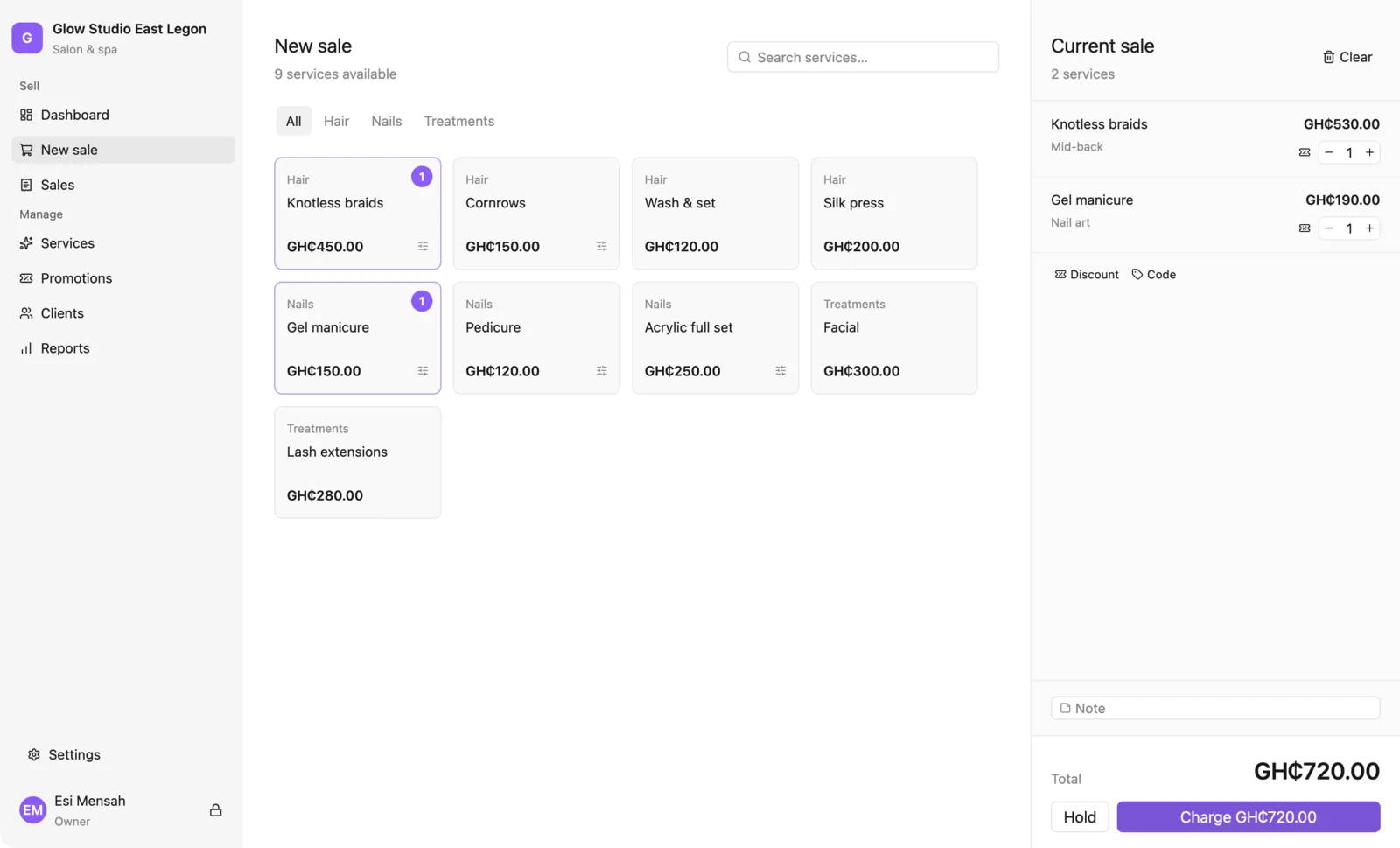
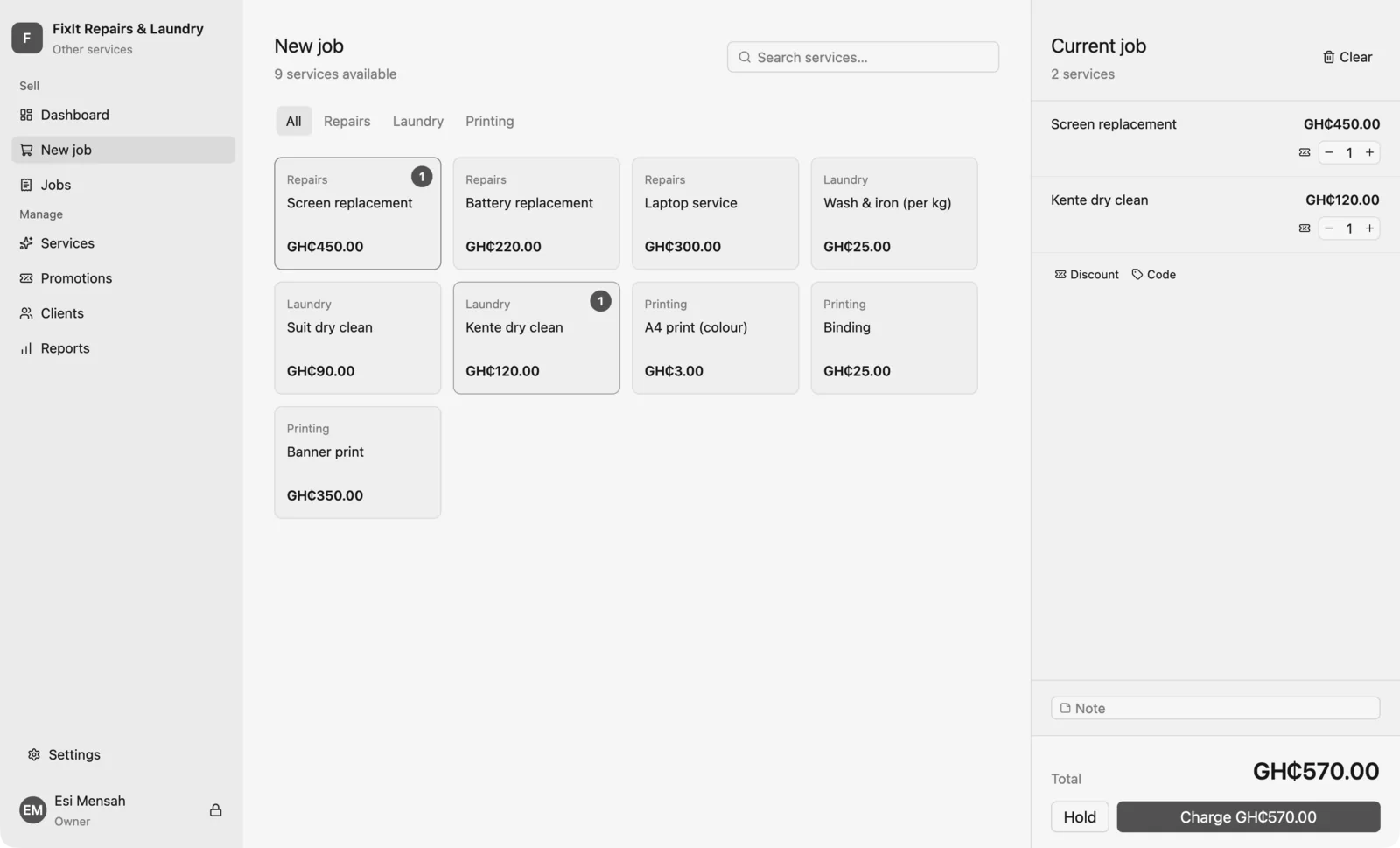
The offline counter option
Own the till. Pay once.
Where the counter must never stop, put Qovah Desktop on its computer: GHS 599 once for one computer, GHS 199 for each extra one, with 12 months of updates. After one online activation it sells with no internet at all, and a Cloud plan includes its use while you subscribe.
Coming soon · not out yet
More ways for them to reach you.
A storefront of your own, ordering in WhatsApp, tills for tablets and an app for owners. None of it is released, and nothing you buy today depends on it.
- Storefronts
- Ordering on WhatsApp
- WhatsApp orders taken for you
- Tills for tablets
- An app for owners
We'll tell you when it lands.
Pick what you're waiting for — one email when it's ready, and nothing else.
Selling in three steps.
Every new business gets 14 free days of Cloud Growth the moment it's made: no card, and nothing to choose.
- 1
Sign up
In your browser, in a minute: your business, what it sells and its currency. No card, and no plan to choose.
- 2
Add your items
A category and a few items, with their prices and photos. Bring a spreadsheet if you already have one.
- 3
Start selling
Take your first order, and get paid in cash, by mobile money or by card.
Questions, answered.
Start free for 14 days.
Open a browser, set your shop up and sell something today. No card, and nothing to install.