Sell
Take the order wherever the customer is standing.
Open a browser and start selling, or put Qovah on the counter's computer and keep selling when the network stops. Either way it's one business: the same items, the same team, the same numbers.
14 free days of Cloud Growth · No card · Nothing to install
In any browser
Nothing to install. Sign up, add your items and sell from a laptop, a tablet or a phone. Staff switch by PIN, and it locks itself when it's left alone.
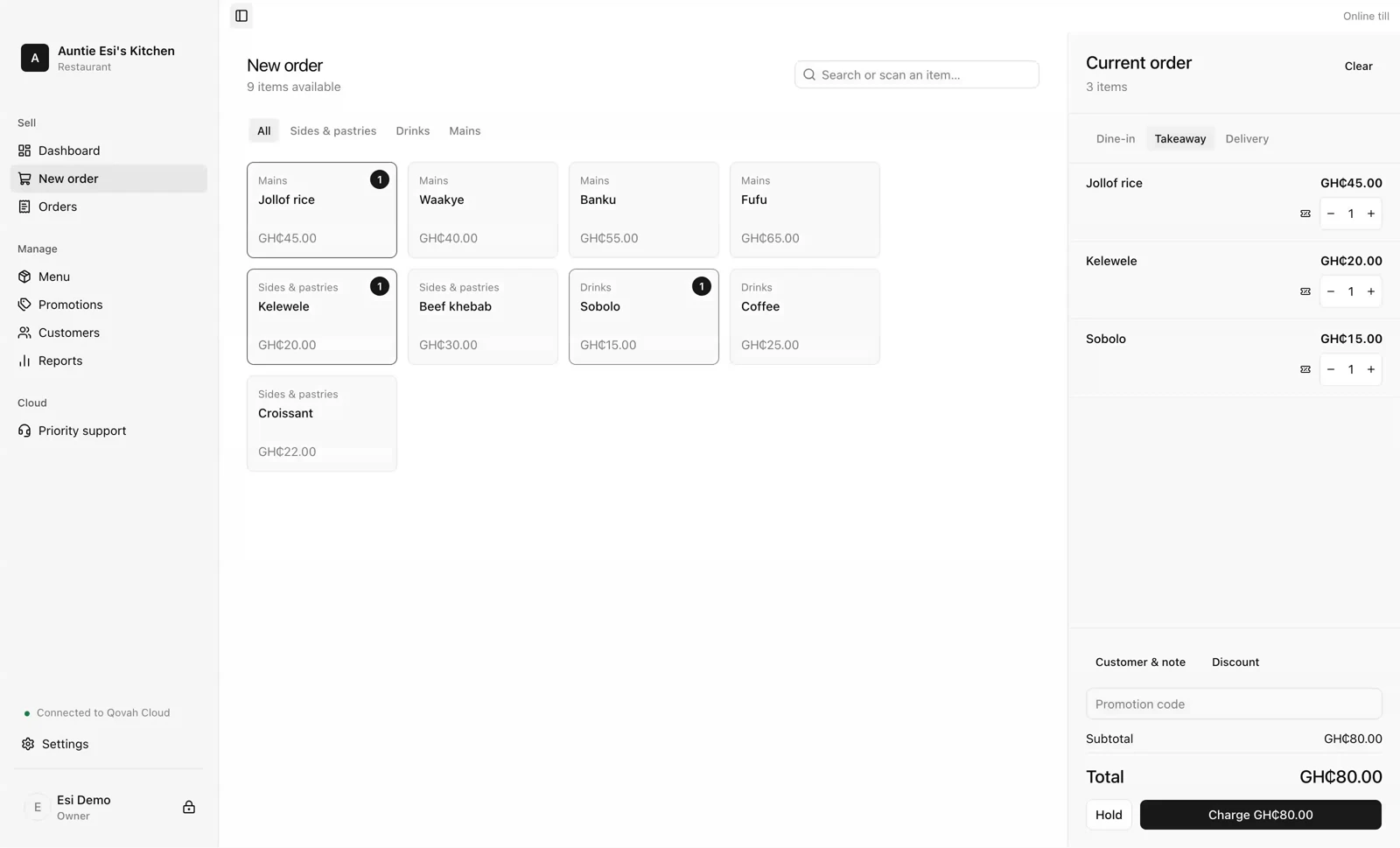
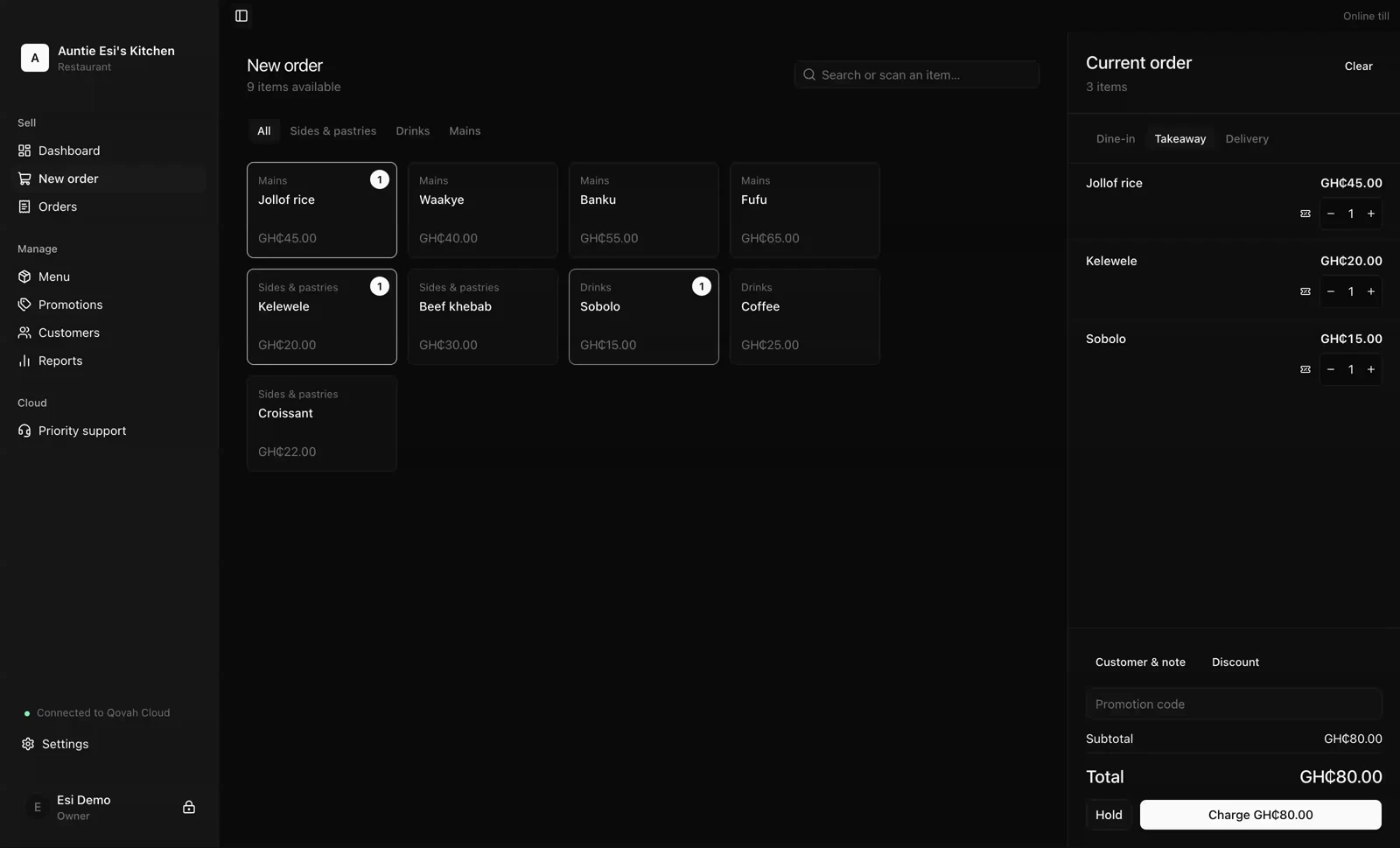
- Sell from any browser you've signed in on
- Items with photos, prices, options and stock
- Pickup or delivery, with your own zones and fees
- Receipts printed from the browser
From Cloud Starter
On the counter, offline
Qovah Desktop for macOS, Windows and Linux: the offline counter option. After one online activation it keeps selling with no internet at all, on the versions your purchase covers.
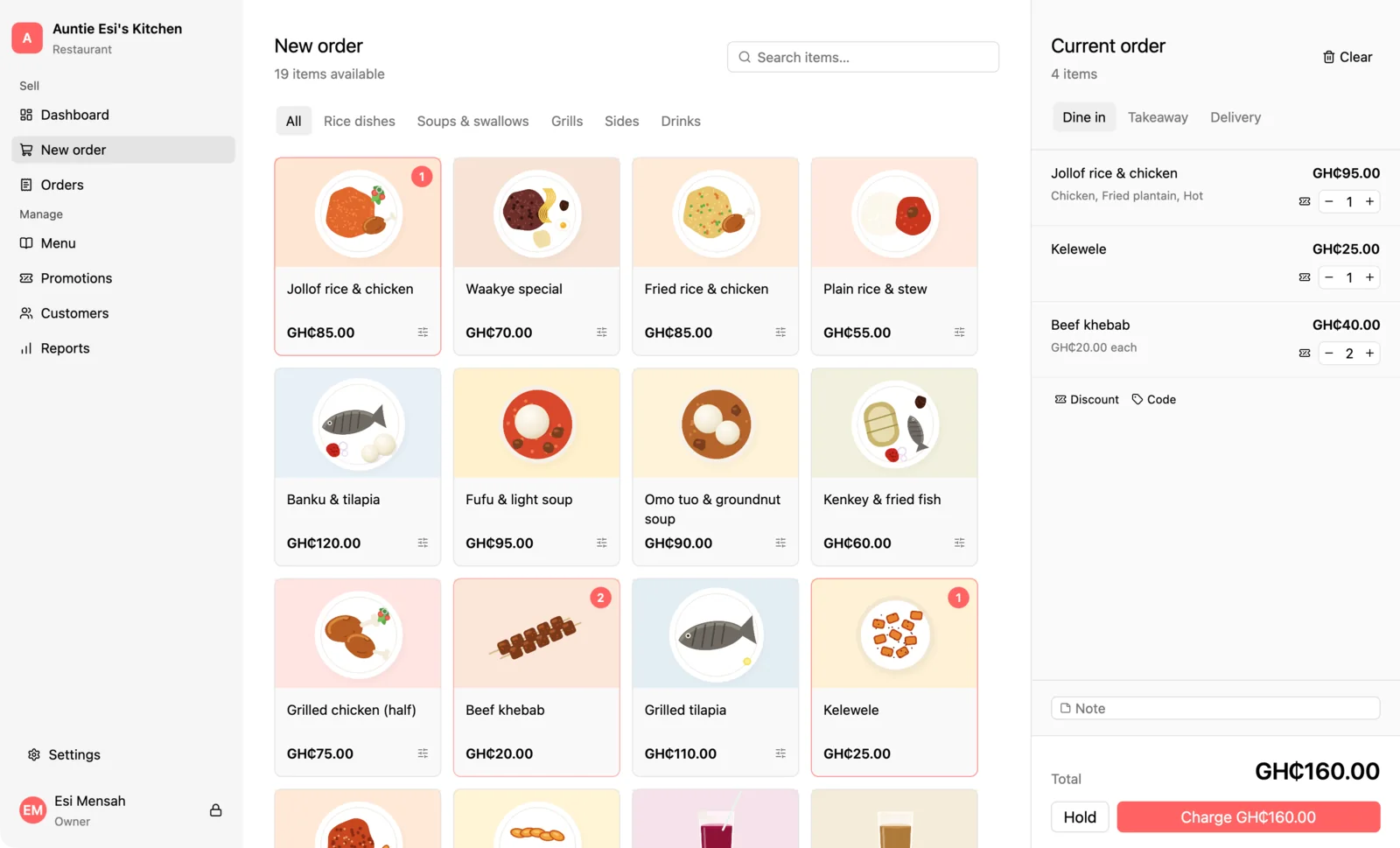
- Every sale on the shop's own computer
- Printers, cash drawer, scanners and displays
- Daily backups, and a copy to a USB drive
- GHS 599 once for one computer
A Cloud plan brings the online till, keeps every till in step and backs the business up each night. Desktop on its own is a complete local till, bought once.
Everything a busy counter does.
Your team, by PIN
Managers and cashiers with their own PINs. Voids, discounts and closing the day need a manager, and every sale keeps who took it.
An order board
Every order from every till on one board, timed from the moment it's paid, for the kitchen or the pickup counter.
Scanners that just type
Barcode scanners that work like a keyboard need no setup: point, scan, and the item is on the ticket.
Receipts and tickets
Thermal receipt printers and a kitchen printer, and a cash drawer that opens with the sale on the desktop till.
Hardware is a service, not a plan: tell us about your store and we'll choose what it needs and set it up with Qovah.
Set up your counterWhen the network stops.
It happens, so both tills are built for it — and we'd rather tell you exactly what each one does than promise it never matters.
The online till
A browser you've already signed in on holds the sale and its receipt, and sends them as soon as the network is back.
Qovah Desktop
Sells with no internet at all once it's been activated online, for as long as you own it.
What does need the internet
Taking a mobile money or card payment through Qovah, and redeeming loyalty across branches.
Selling, answered.
Start free for 14 days.
Open a browser and take your first order today. Add Desktop when the counter must never stop.