All guides
Settings 1 min
Back up and restore
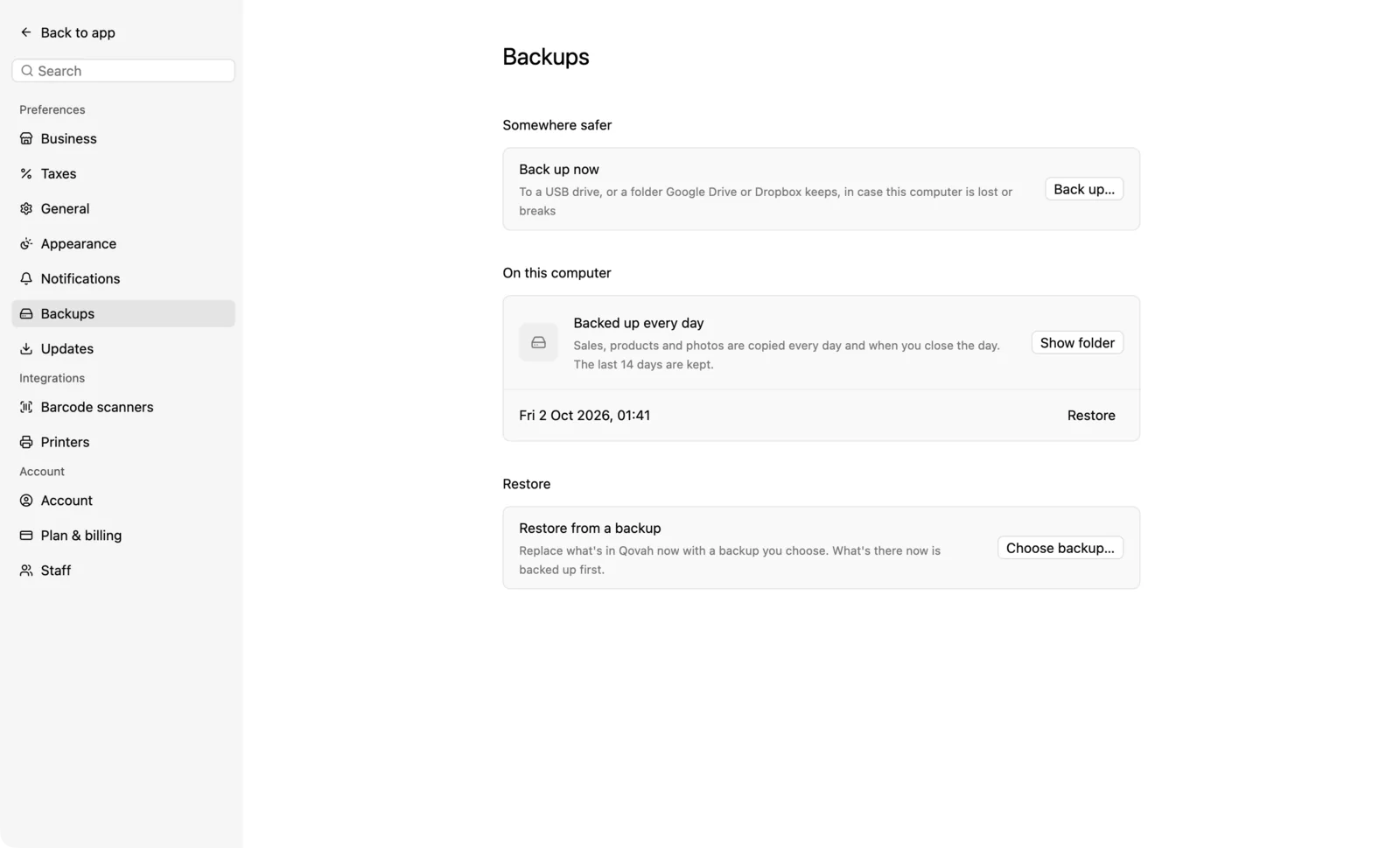
Qovah backs itself up every day. Keep a copy somewhere else too.
- 1
Daily backups
Sales, products and photos are copied every day and when you close the day. Settings › Backups lists the last 14 days.
- 2
Copy it somewhere safe
Under Somewhere safer, choose Back up… and pick a folder: a USB drive, or a folder Google Drive or Dropbox keeps.
- 3
Restore
Choose a backup to see what's in it before restoring. What you have now is kept as a backup first.