Buy Desktop and move it to a new computer
Unlock Desktop from inside the till, and what your licence covers.
- 1
Buy from the till
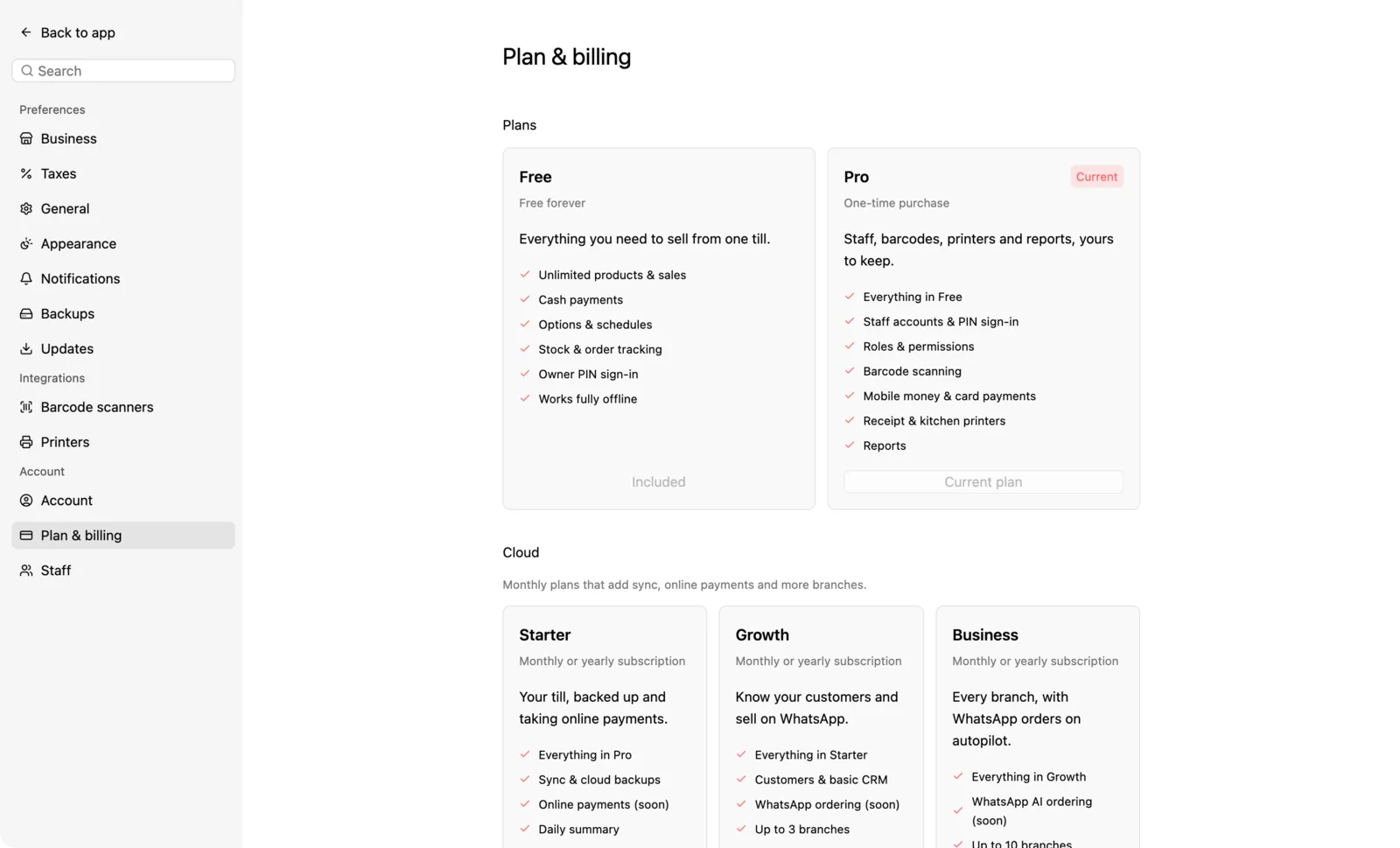
In Settings › Plan & billing, choose Buy Desktop. One computer costs GHS 599; extra computers cost GHS 199 each. Paystack checkout opens in your browser. Once payment is verified, Desktop switches on by itself; you'll also get your key by email.
- 2
What you get
Desktop is yours for good, with a year of updates. Covered versions remain yours to use indefinitely offline after activation. An owned computer also keeps versions obtained through paid Cloud after cancellation. New updates outside your coverage need valid Cloud access; no paid update-renewal offer is available.
- 3
A new computer
Enter the same key there and choose Move it here. Your licence works on one computer at a time, unless you bought more seats.